For the Quran · Android, iPhone, Mac, web and browser extension

How many times
did you unlock your
phone today?

Most of them for no reason. Verse & Meaning puts an ayah from the Book of Allah in front of you each time, with a translation and its tafsir underneath. You pause on it for a moment, then carry on with your day.

The web version has the mushaf, tafsir and recitation. The ayah on your lock screen needs the phone app.

The web version EnglishThe browser extension English

Phone screens

How often do people check their phones each day?

A yearly survey of about 1,000 US adults by Reviews.org. Tap a year to put it in the counter.

At one ayah each time, read and understood through its tafsir, you will have reflected on:

You set the pace: every unlock, or once every few minutes.

  • The whole mushaf, offline
  • Seven riwayat
  • Tafsirs and translations in dozens of languages
  • Recitations by well-known reciters
  • Recite from memory, followed word by word
  • Tajweed colours
  • Find any ayah with your voice
  • Light or dark, as you prefer
  1. Your day

    The words of Allah, with you all day.

    You choose where an ayah appears and how many times a day, in your waking hours only.

    Choose the ones that suit you.

  2. Always On Display

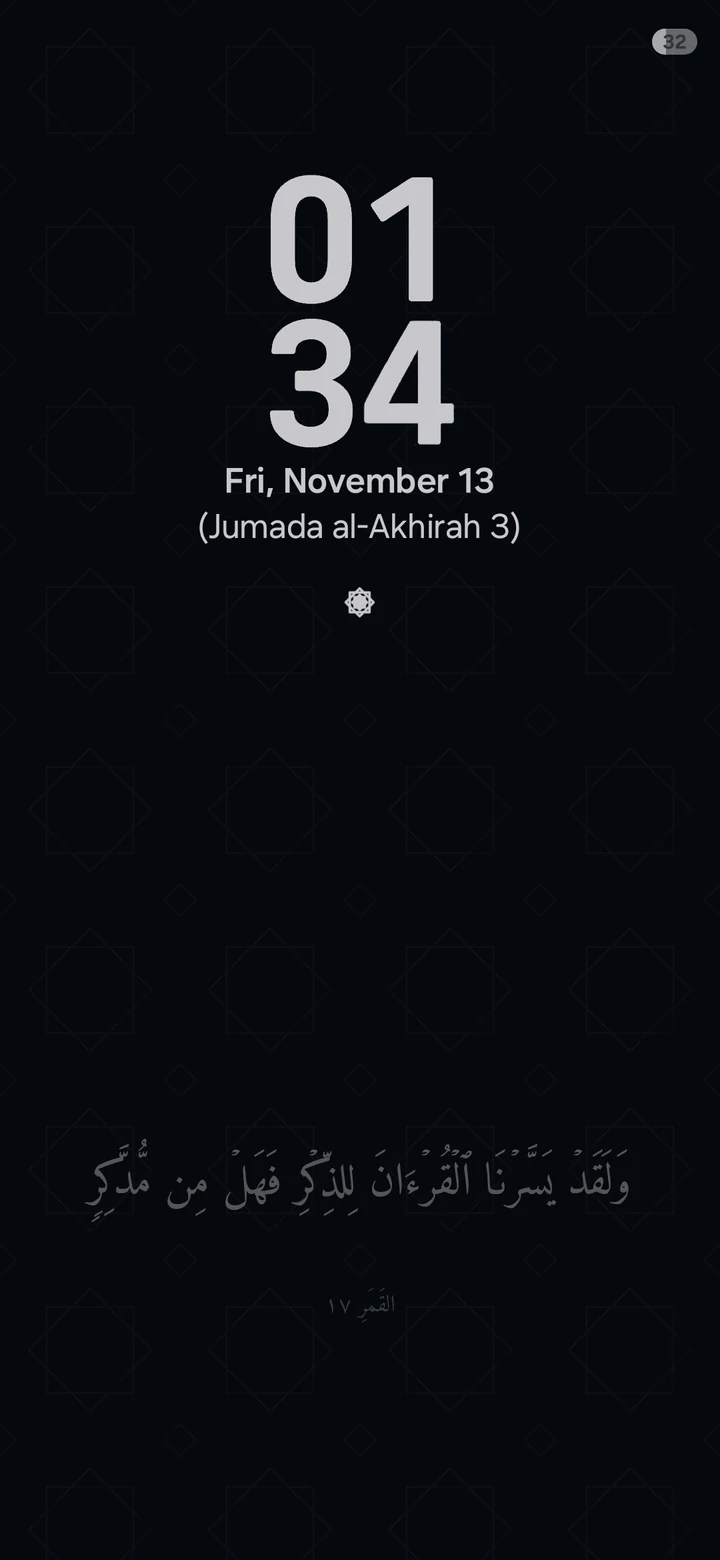
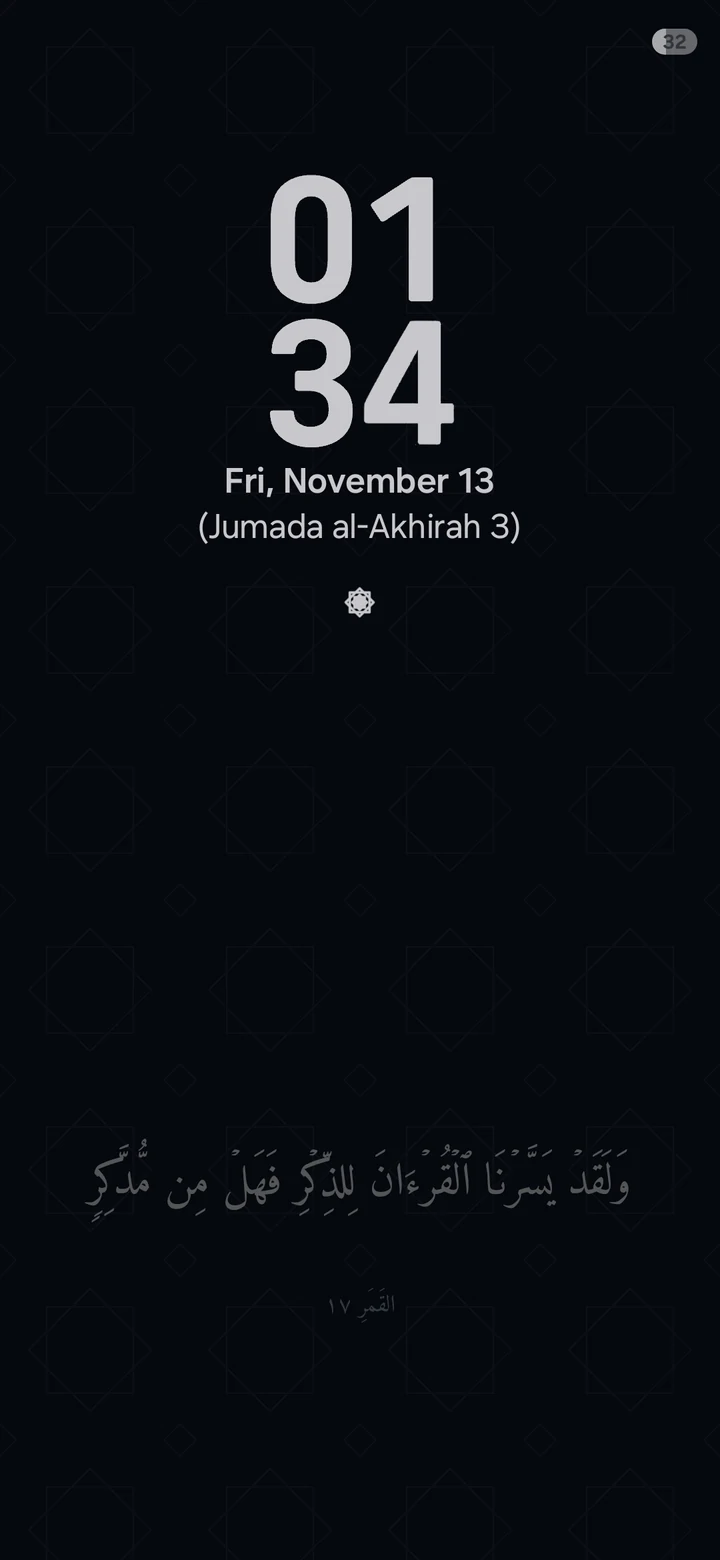
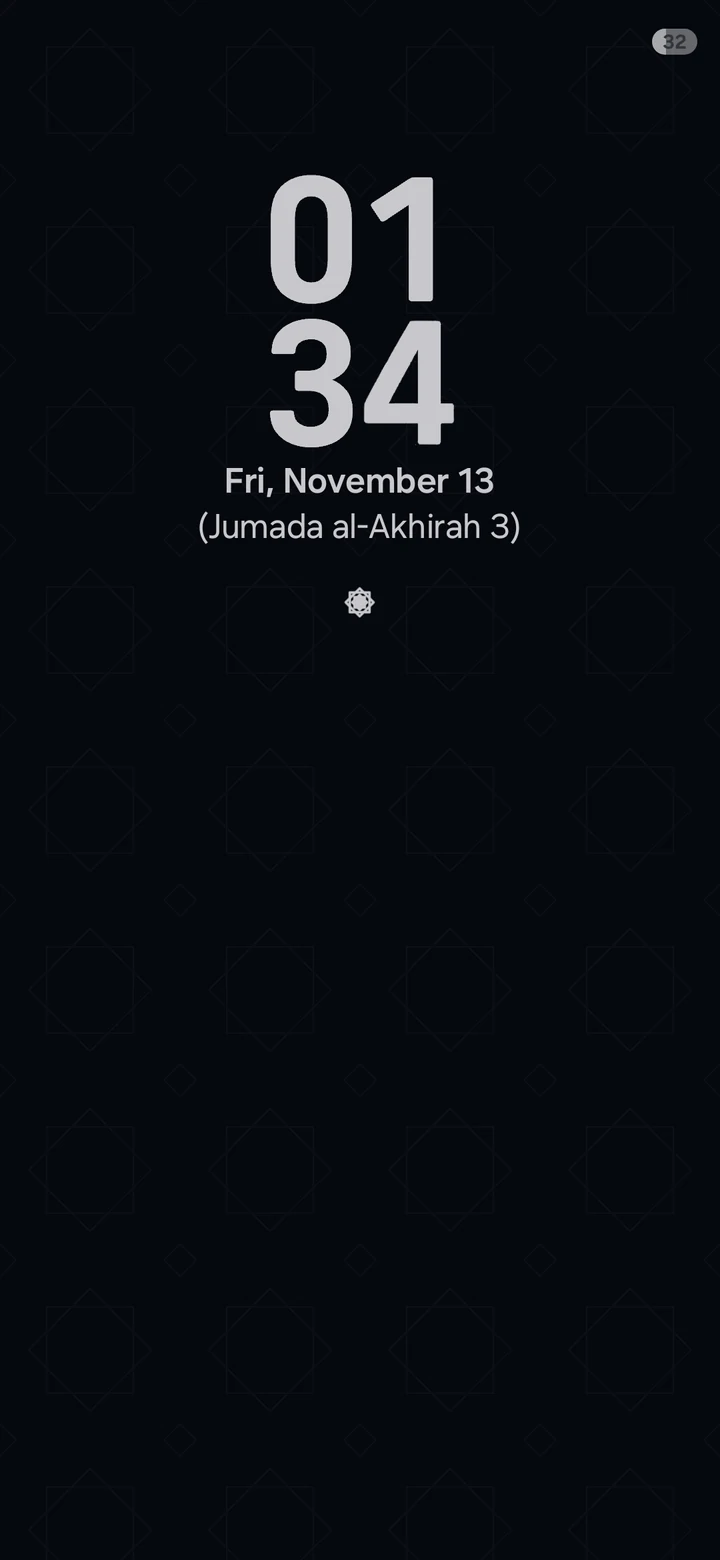
    The phone is on the desk with its screen off, and the ayah is there under the clock on the Always On Display.

  3. Lock screen

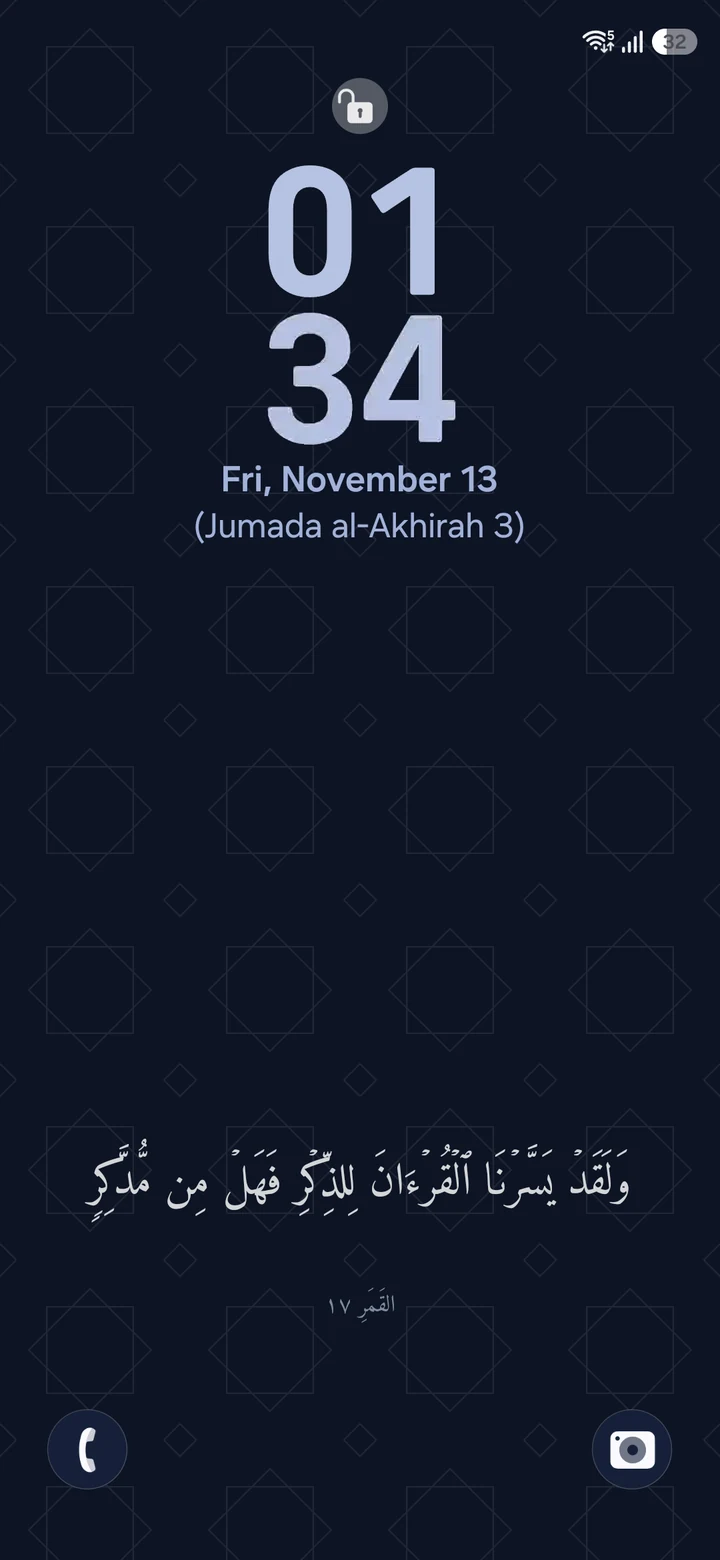
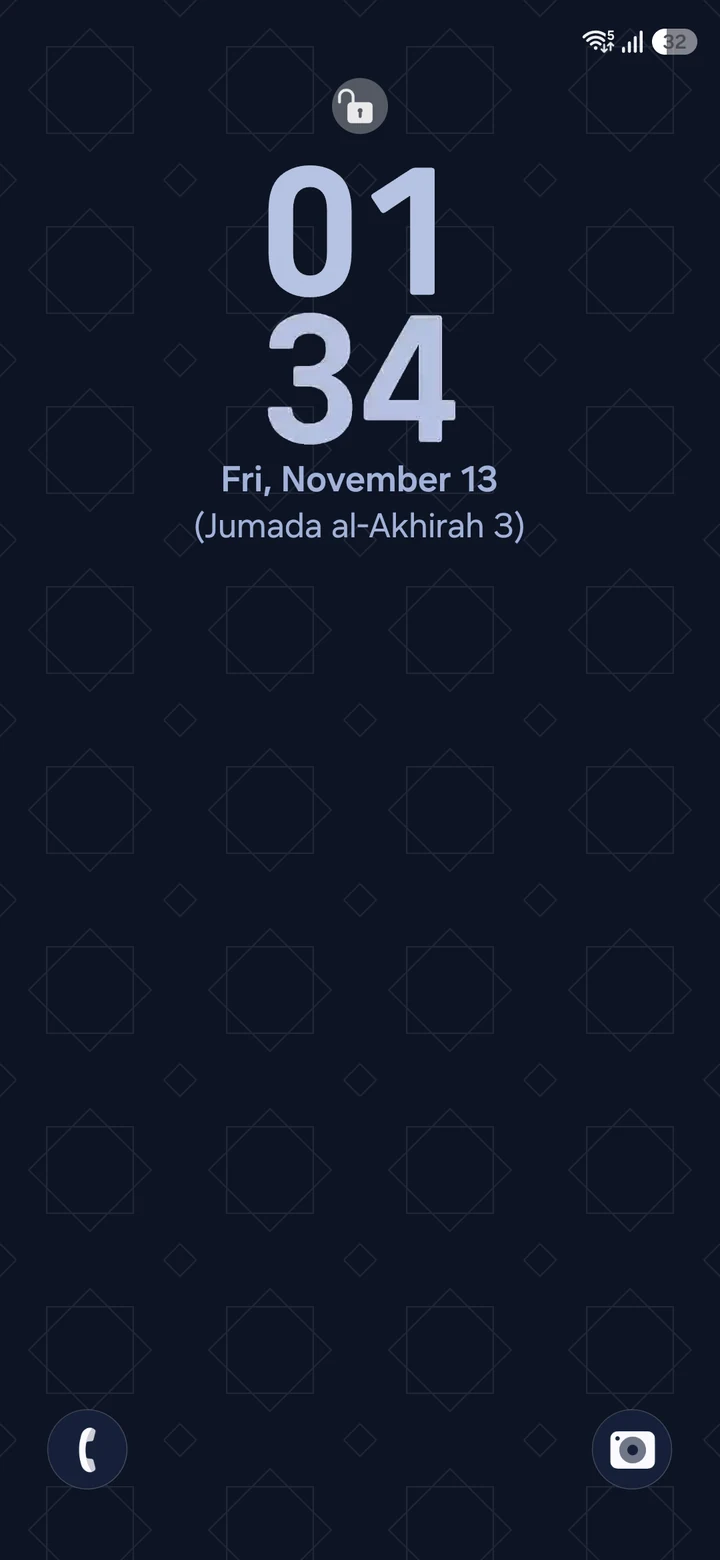
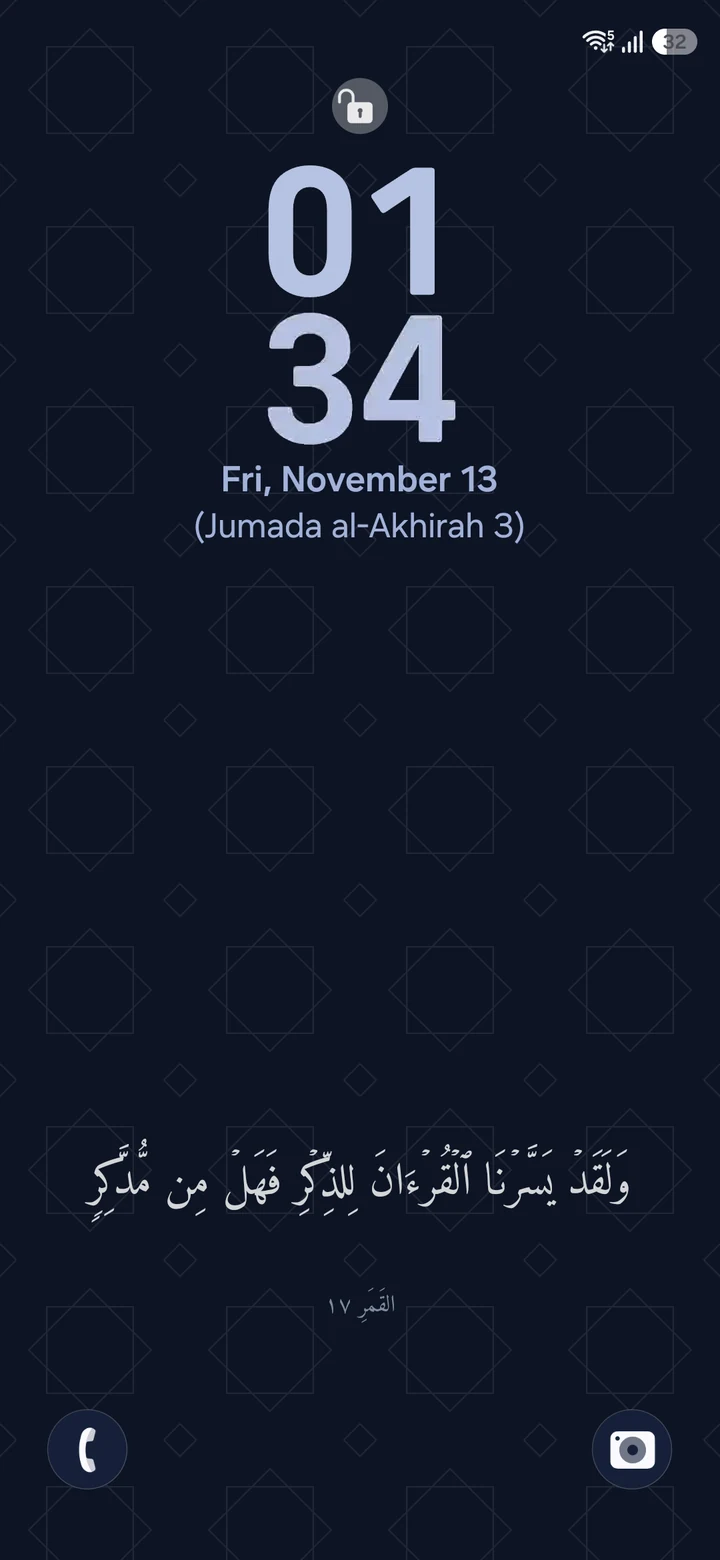
    The ayah and its translation are your lock-screen wallpaper, below the clock and never behind it. They change every time you lock the phone.

  4. When you unlock

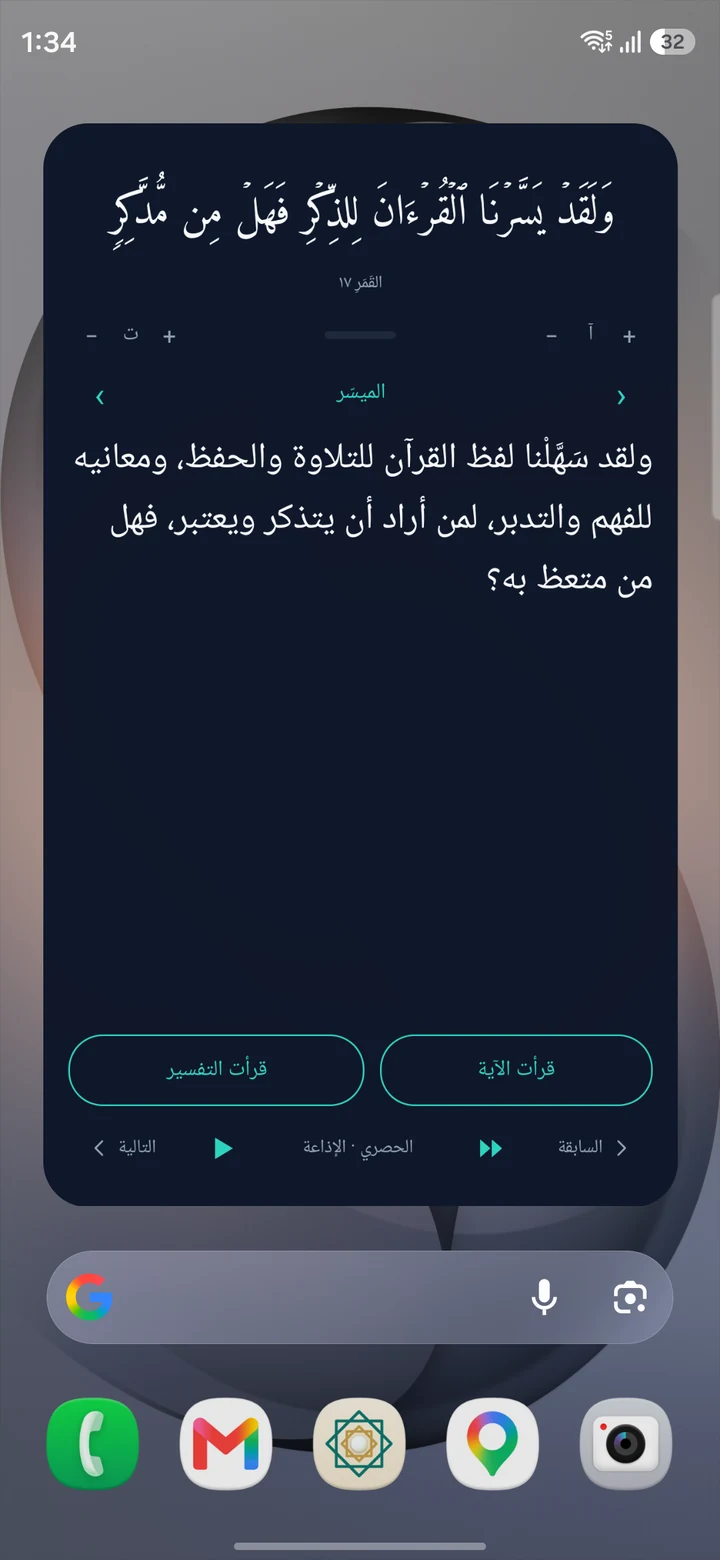
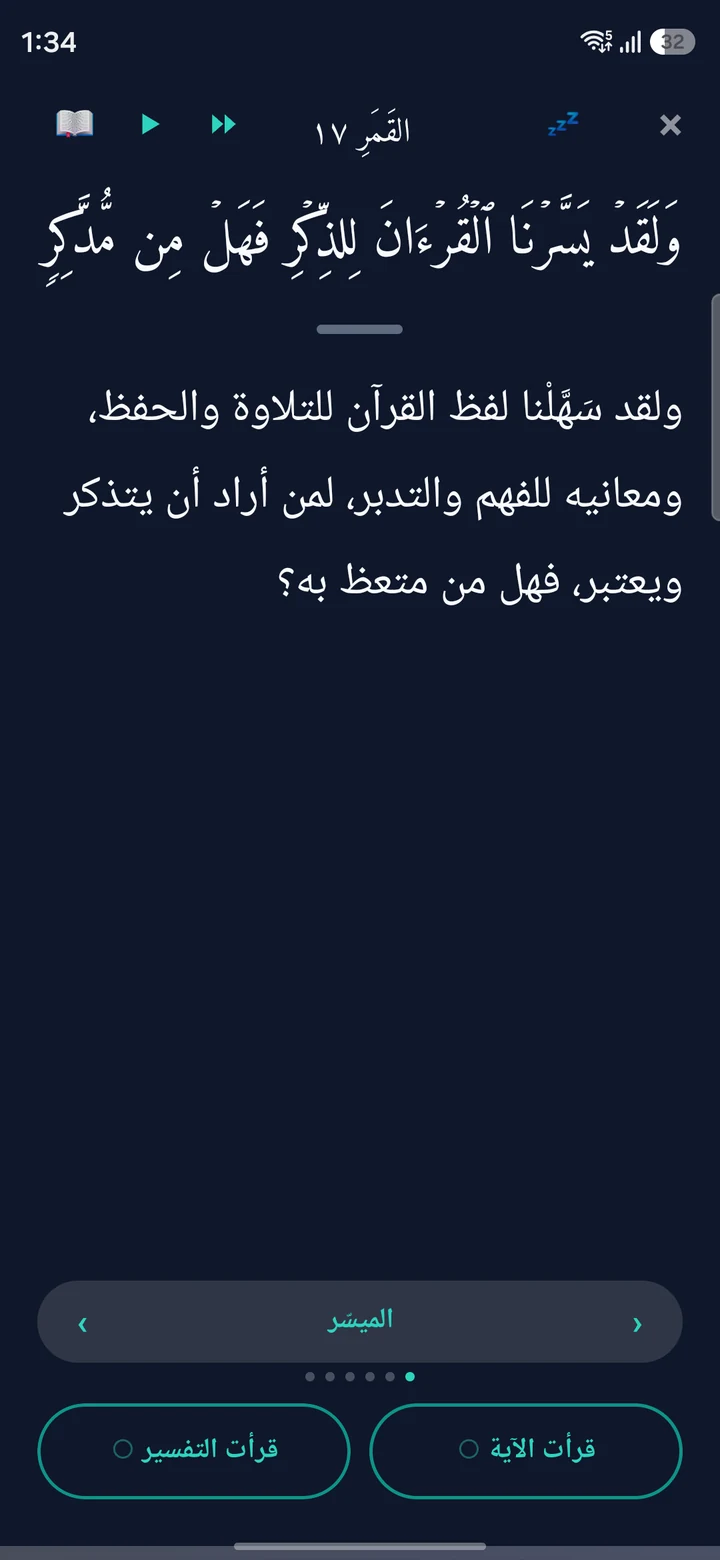
    You unlock and the ayah is there, with its tafsir below. Read it, tap “I read the ayah”, and carry on.

  5. Home screen

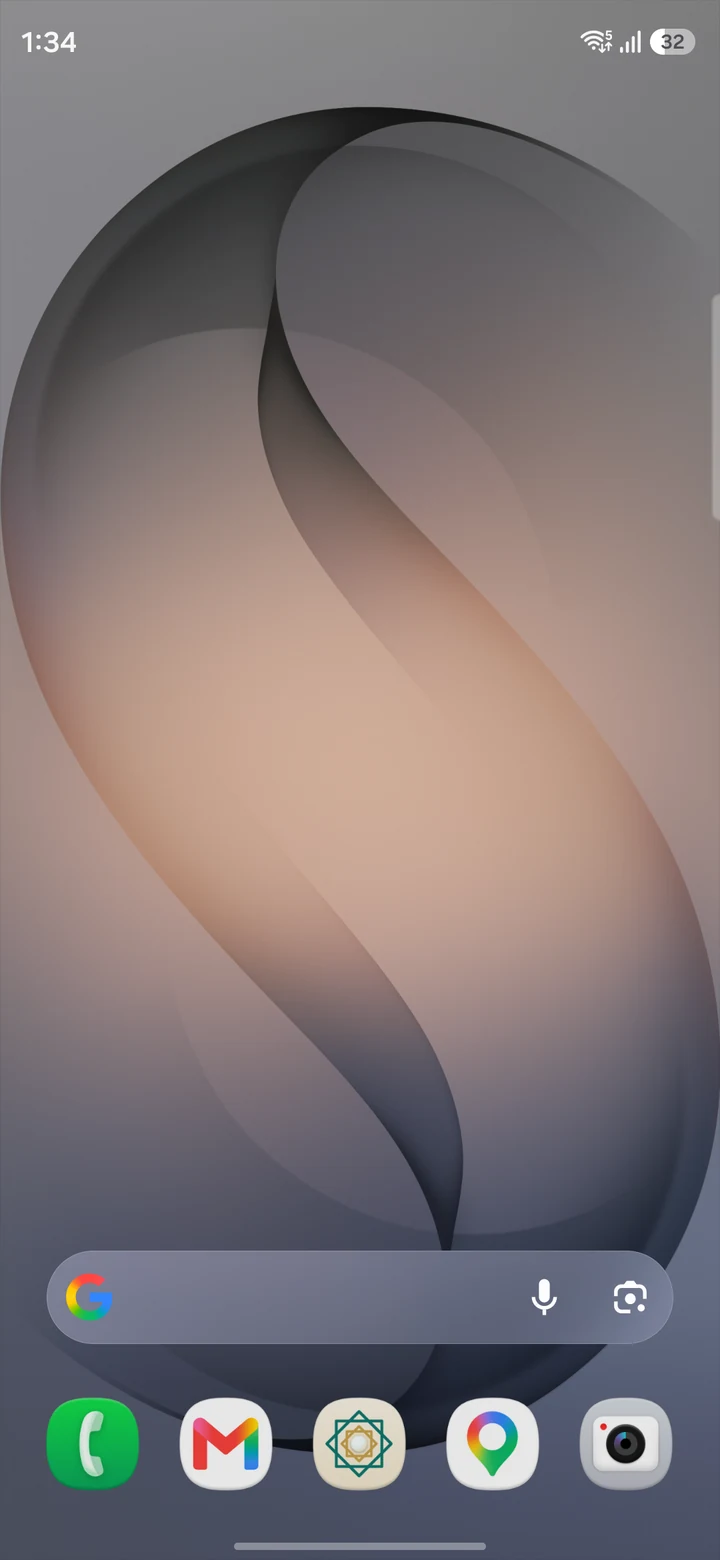
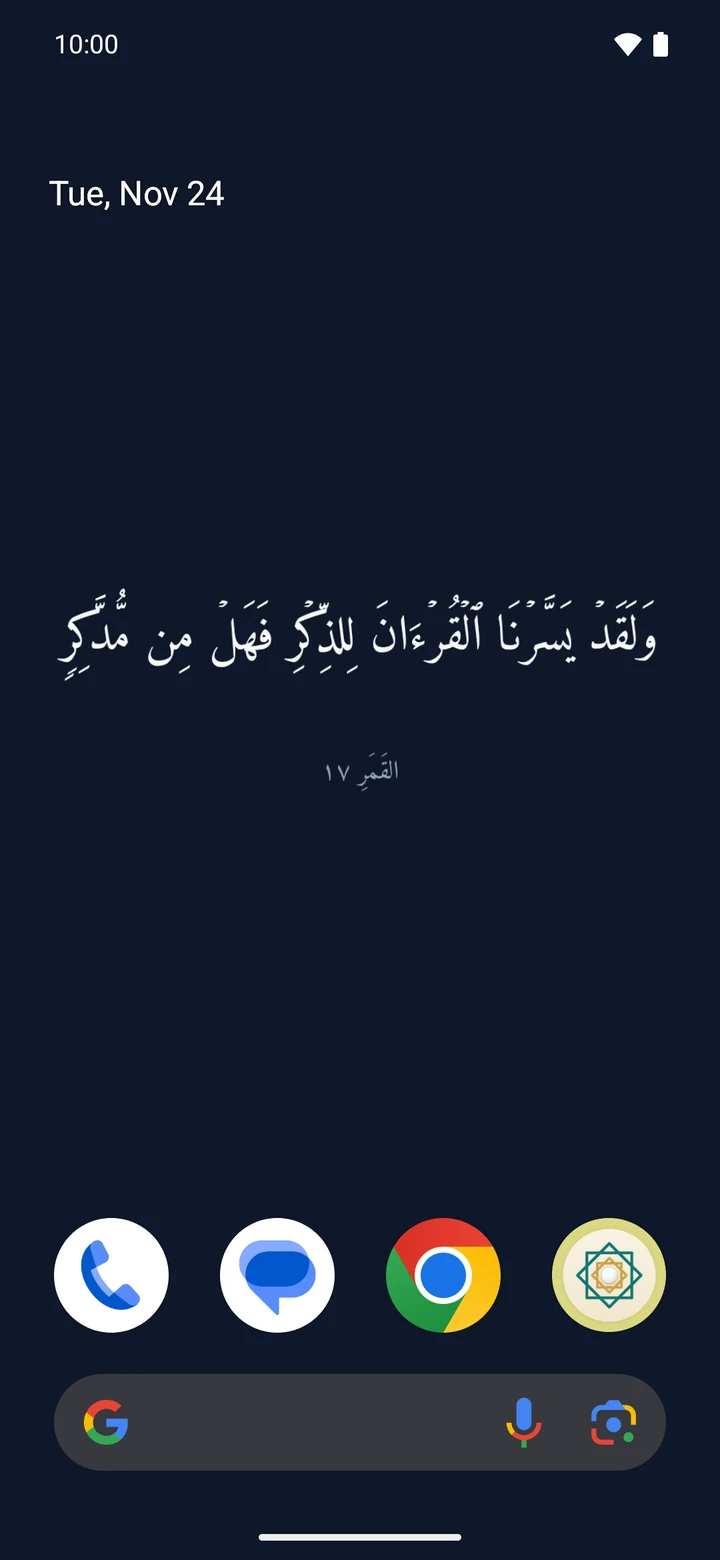
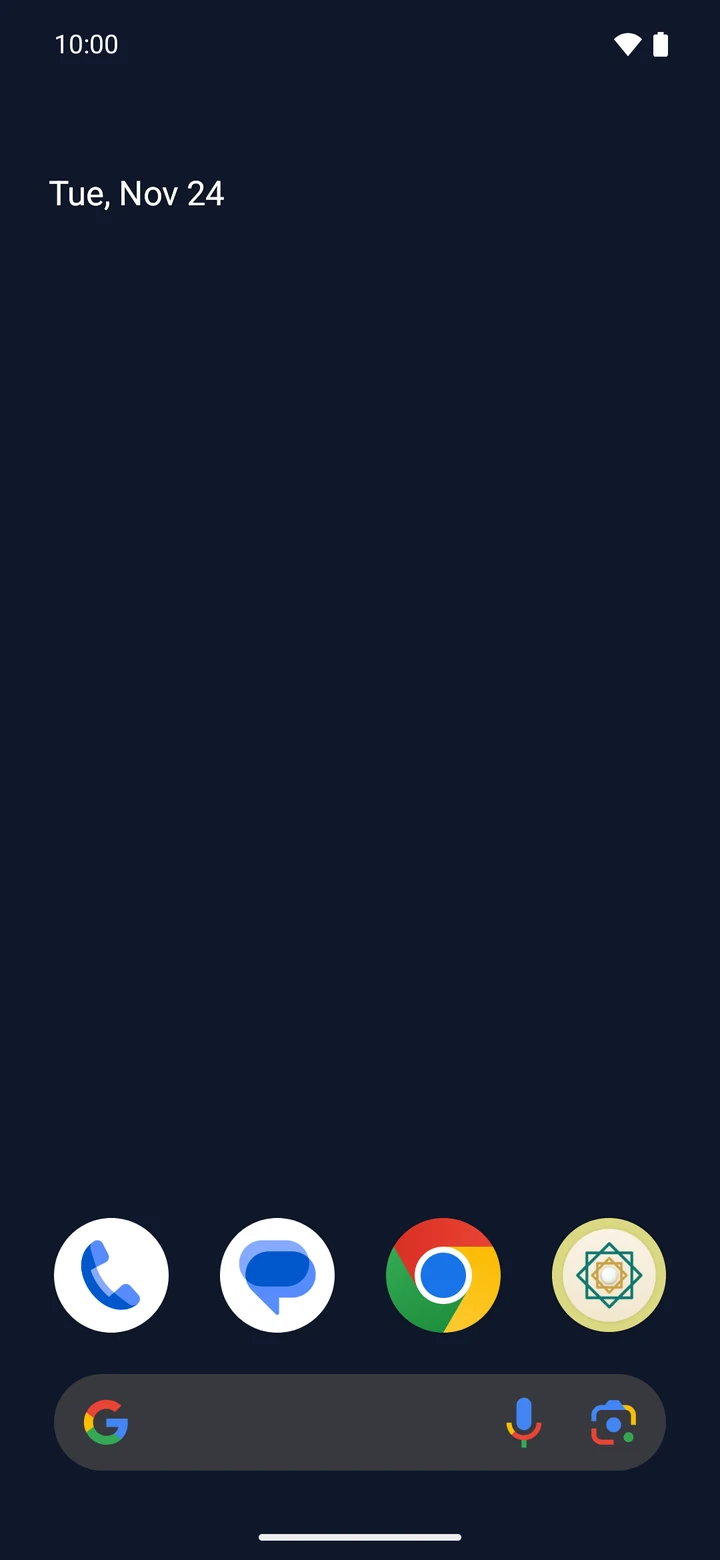
    The same ayah as your lock screen stays on your home screen wallpaper, above your apps.

  6. Widget

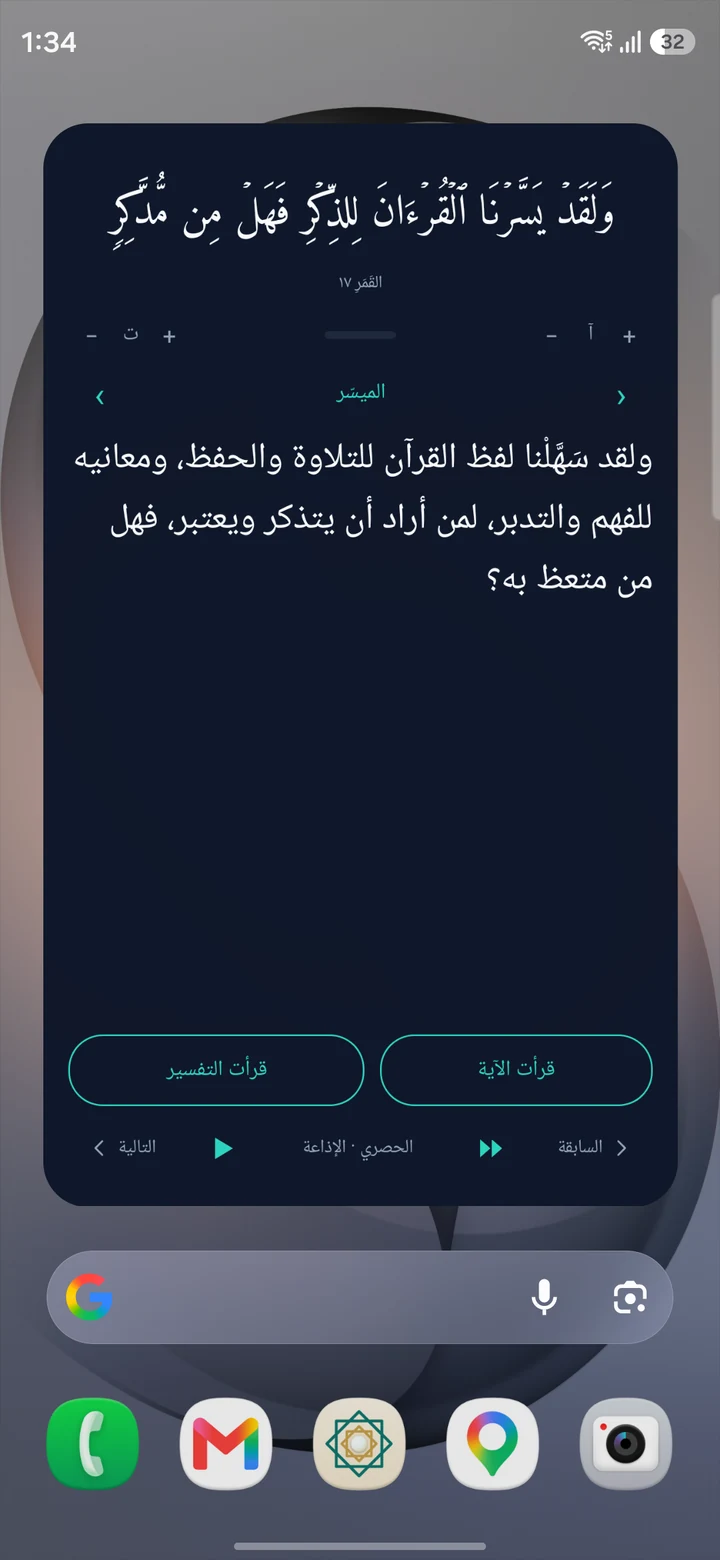
    An ayah and its translation on your home screen, among your apps, to read whenever you pass it.

  7. Notifications

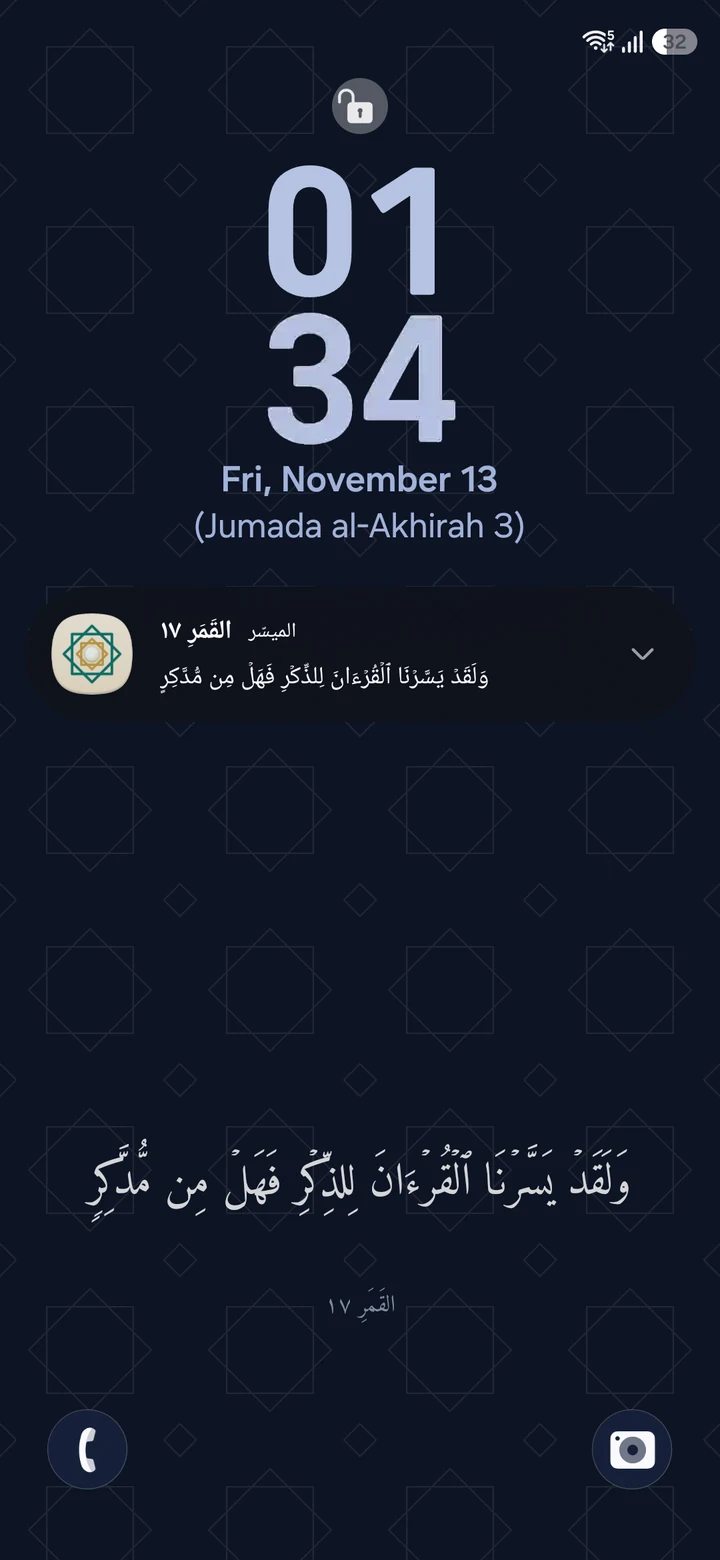
    A notification with an ayah and its translation, on your lock screen, as many a day as you set. Nothing arrives while you sleep.

The ayah on the Always On Display, under the clock
An ayah as the lock-screen wallpaper
An ayah and its tafsir over the screen right after unlocking
An ayah on the home screen wallpaper above the apps
The ayah widget on the home screen
A notification from the app with an ayah, on the lock screen

And you decide when the ayah changes.

A new ayah with every glance at your phone may be enough for you, or you may want the ayah to stay until you have read it, or read its tafsir. Choose what helps you reflect.

And the ayah never comes at the wrong moment.

An ayah deserves to be listened to, and you decide when it stays away on unlock:

And when you can't give it your attention, Snooze pauses the ayat everywhere: the lock screen, the unlock and the notifications. You pick how long, and they return on their own.

  1. Meaning

    Touch the ayah. Its tafsir opens.

    The tafsir opens under the ayah itself, and you swipe from one tafsir to the next while the ayah stays where it is.

    A real recording of the app

  2. The meaning in two lines

    Al-Muyassar and Al-Mukhtasar, with As-Saadi when you want a little more.

  3. When you want depth

    Ibn Kathir, At-Tabari and Al-Qurtubi, and Ibn Ashur for the eloquence and structure of the ayah.

  4. The translation under the ayah

    The translation sits under the ayah wherever it appears: the lock screen, the unlock, the widget and notifications. Choose from dozens of translations; the app speaks more than sixty languages.

When you want depth The translation under the ayah

Sharing

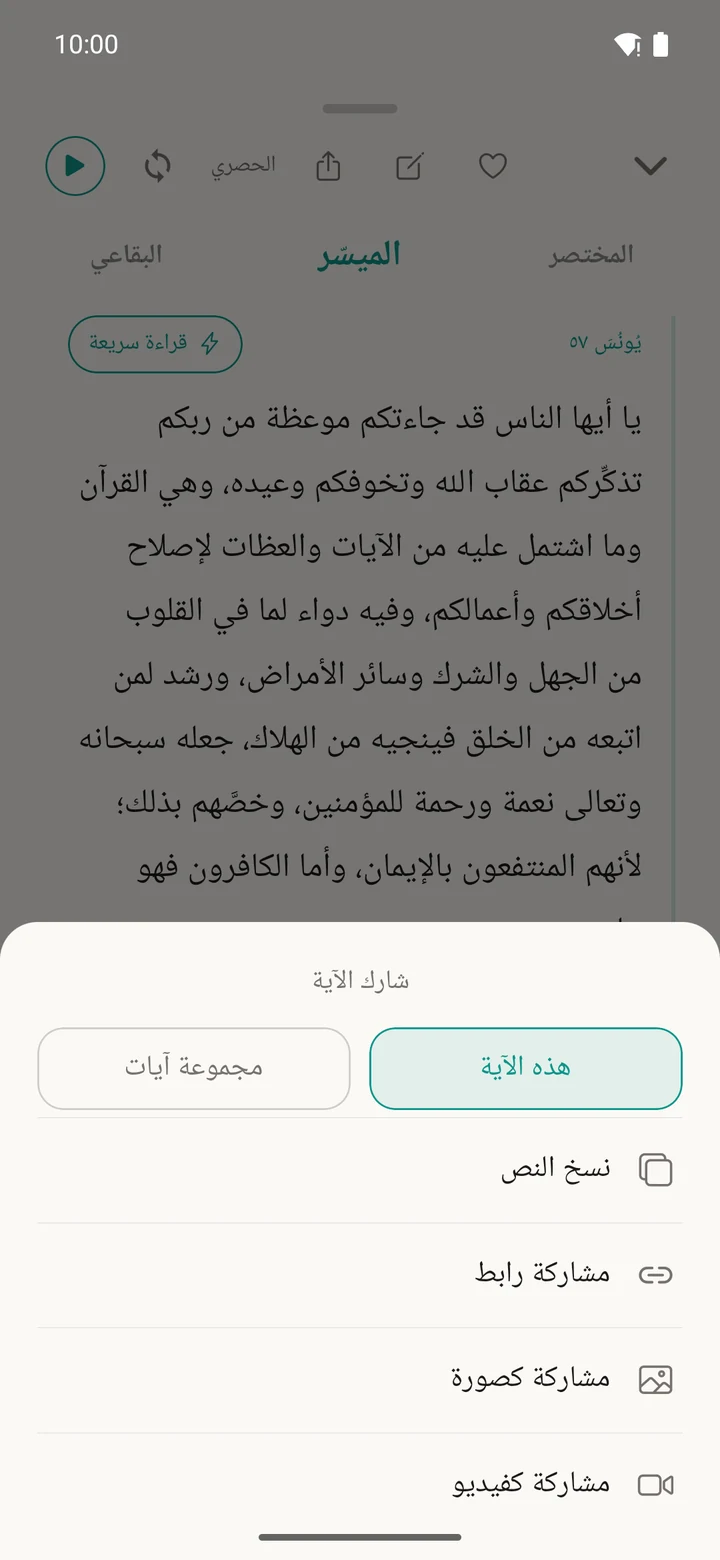
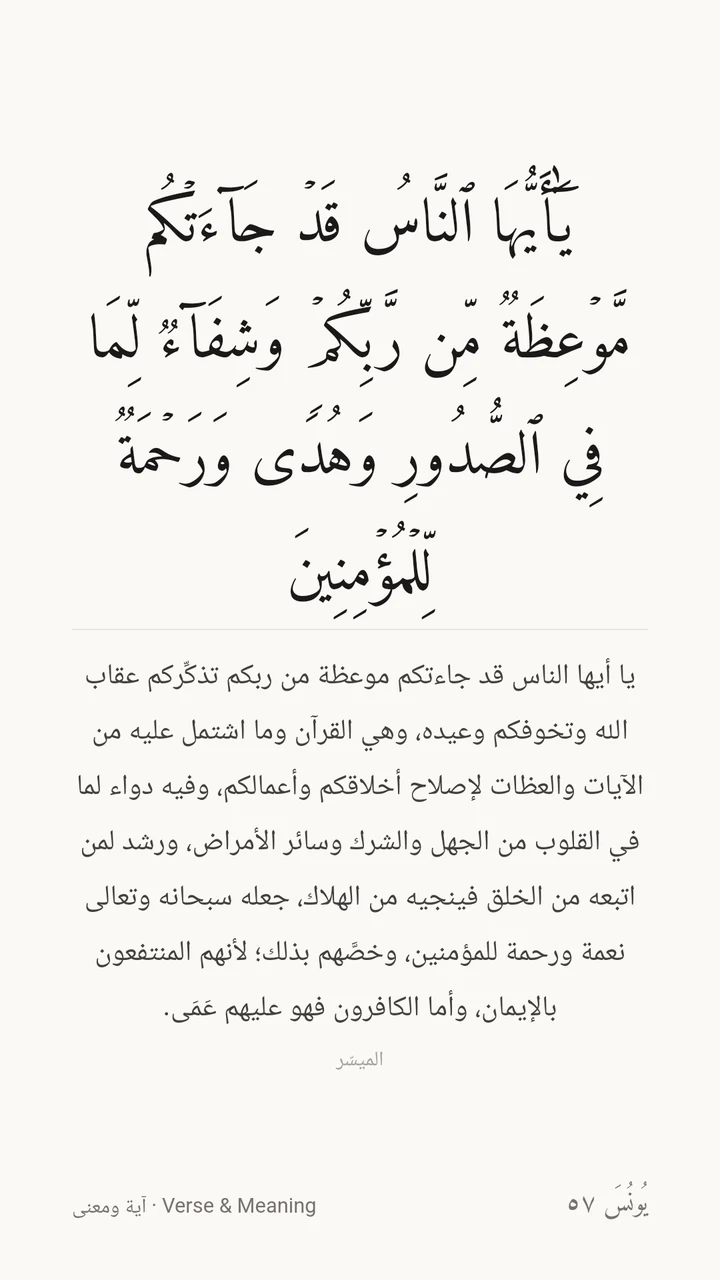
Share the ayah with its tafsir, as an image or a video.

What was before you is what arrives: the ayah as your mushaf prints it, the translation if you read with one, and its tafsir if you share from the tafsir panel.

  1. Weŋ

    Listen to the Quran from the reciter you love.

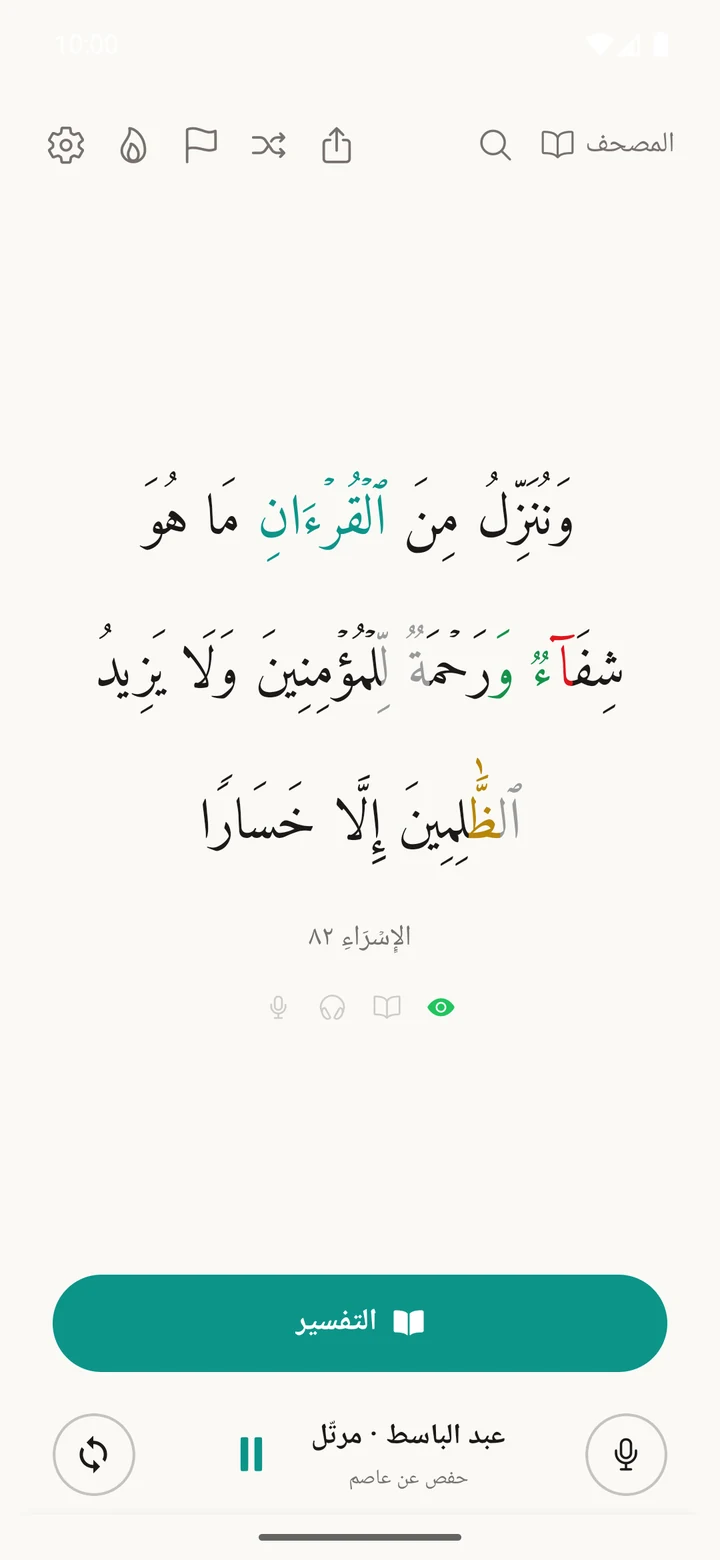
    More than 300 reciters in their own recordings, across different riwayat: Hafs, Warsh, Qalun, Ad-Duri and more. With many of them, the word being recited lights up as you listen.

    Recited by

    Press play to hear the ayah

  2. Qari hesää

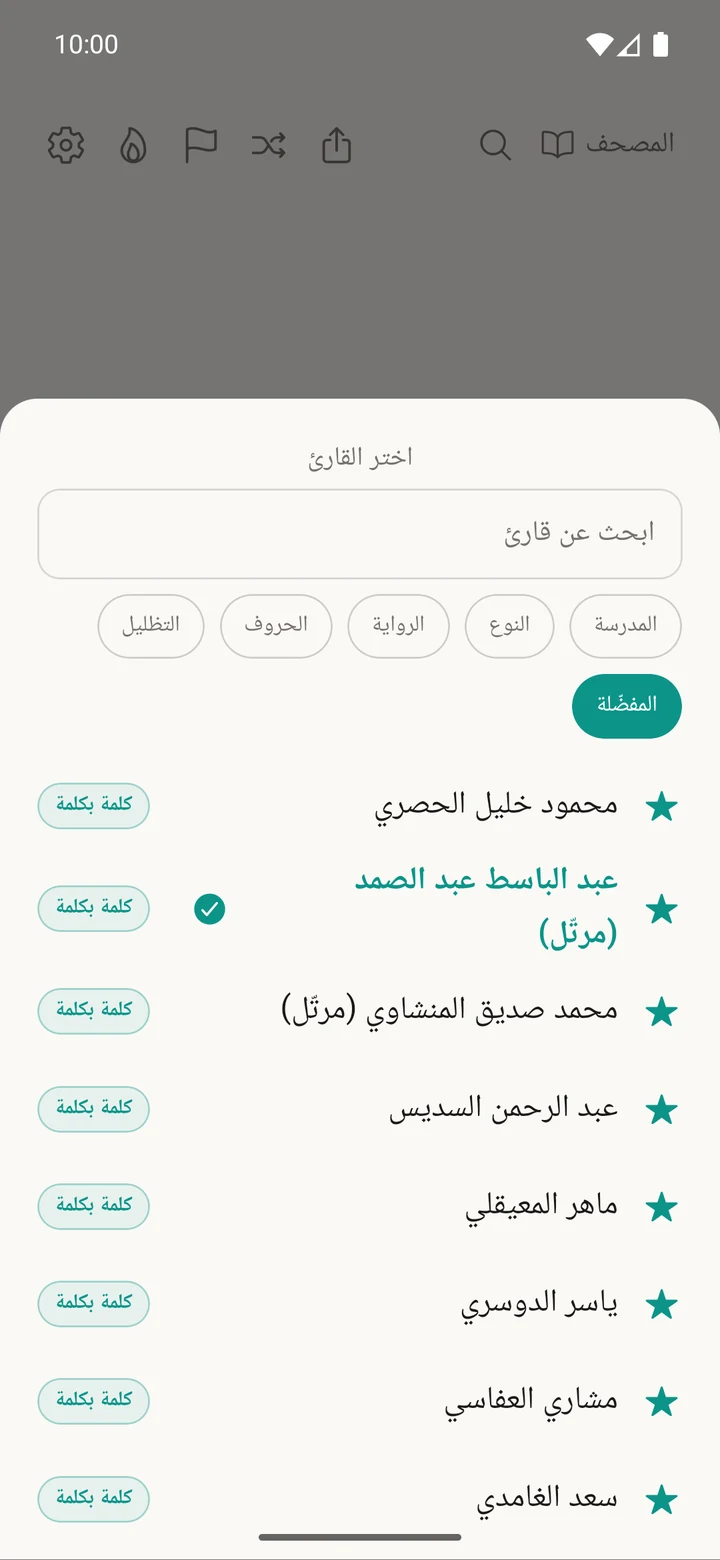
    Search by name, or arrange the list by school, style or riwayah, and keep the ones you love in your favourites.

  3. Reciters for each riwayah

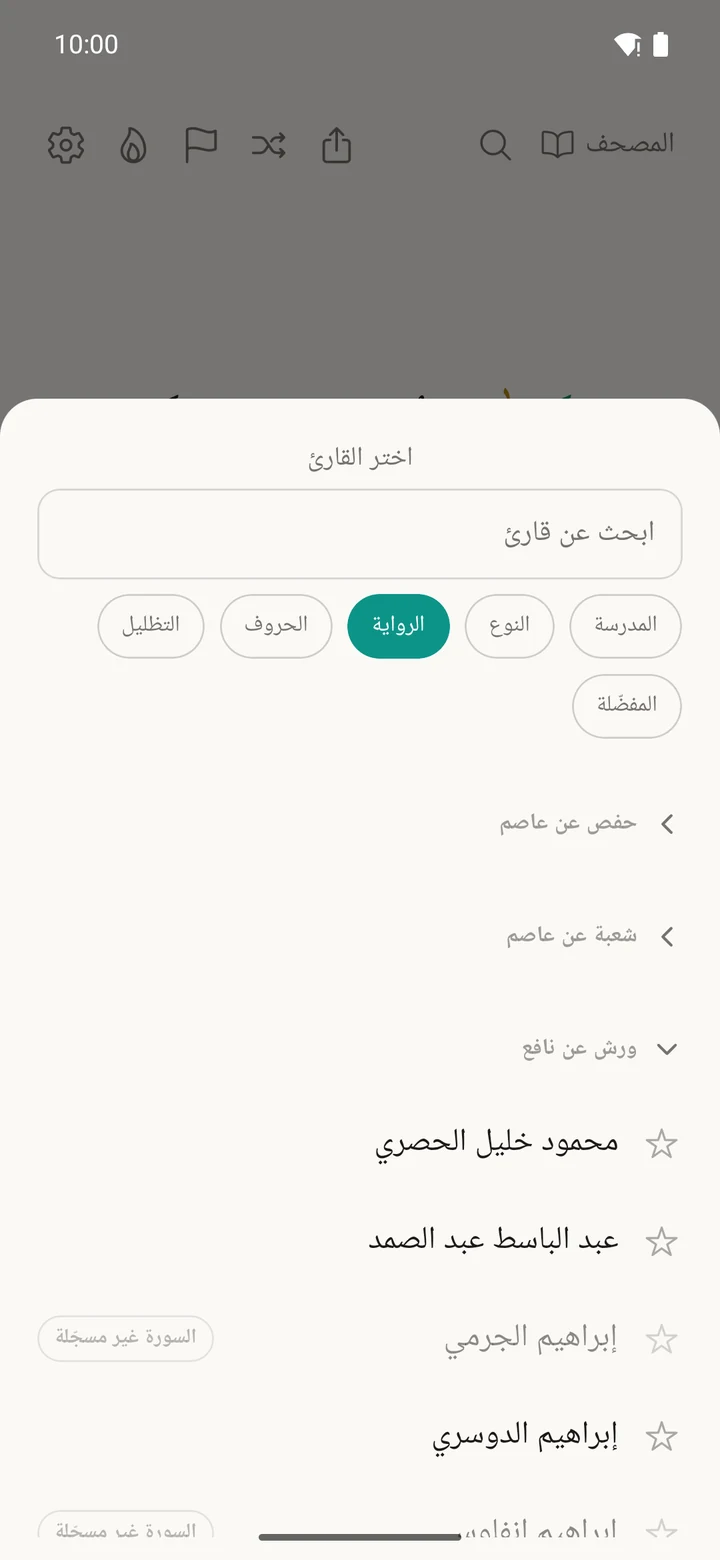
    You read Warsh or Qalun? You get reciters in your riwayah.

  4. Offline gäläŋ

    You don’t have to download the whole Quran: pick the range of ayat you want, or whole surahs for reciters recorded surah by surah, and listen on the road.

  5. Repeat to memorise

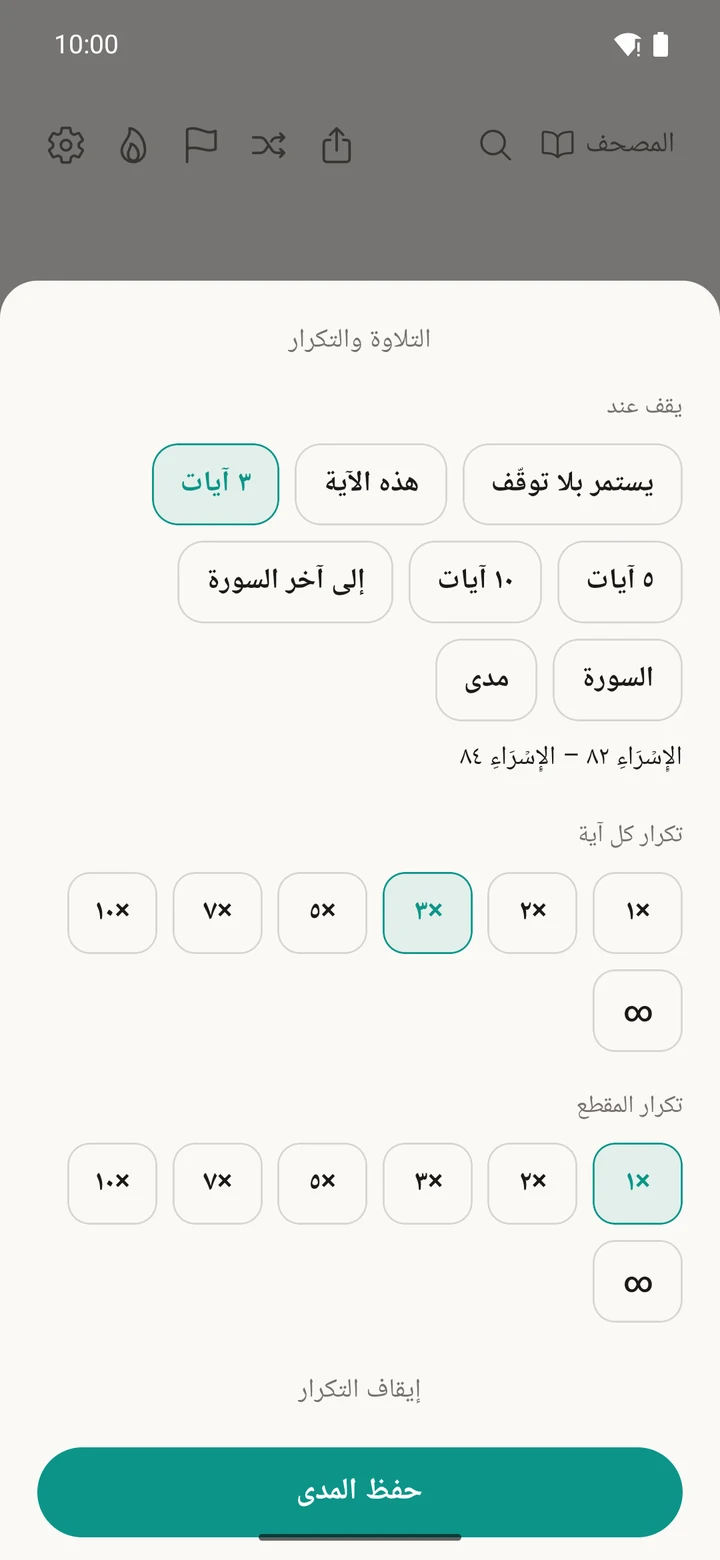
    Repeat each ayah two, three or ten times, or the whole passage, and choose where the recitation stops: at that ayah, after a number of ayat, or at the end of the surah.

  6. Sleep timer

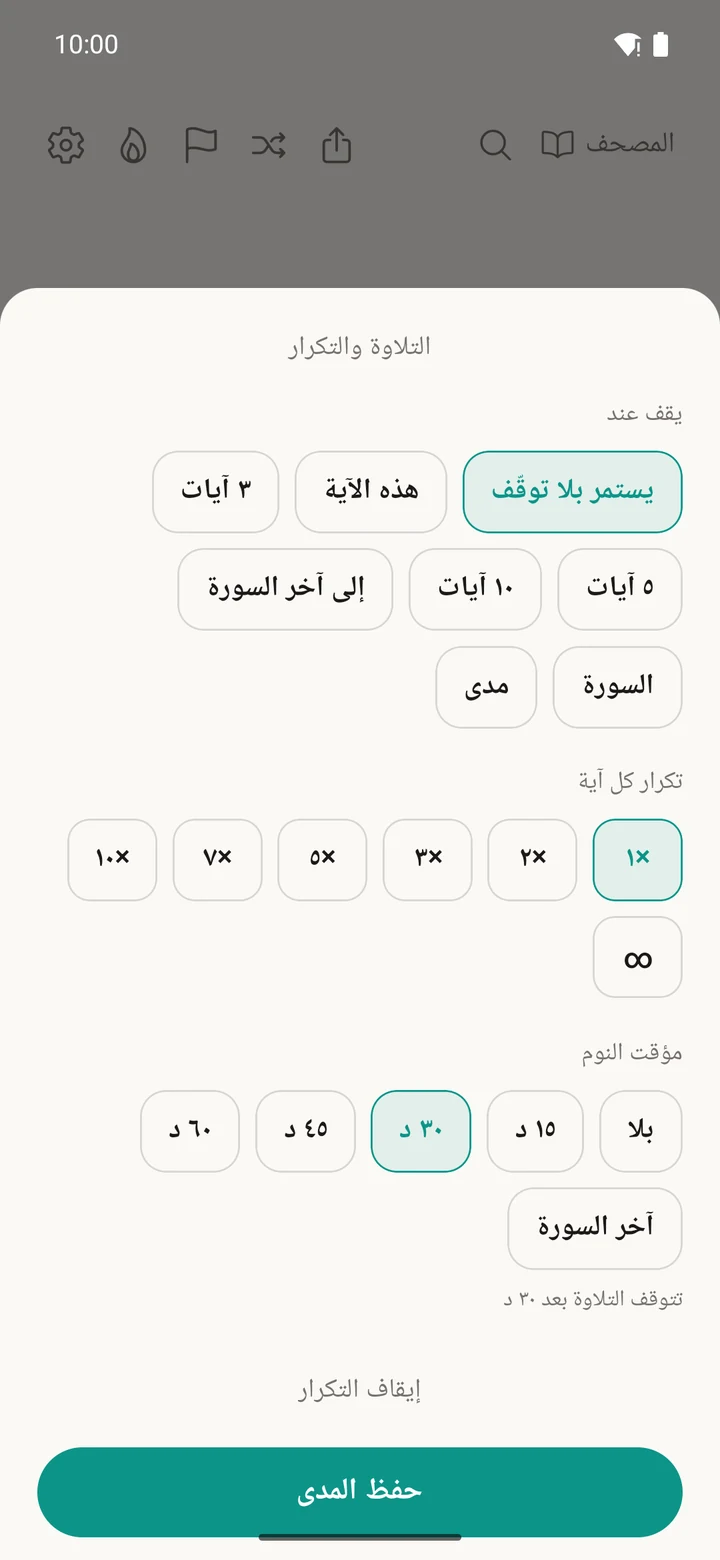
    The recitation stops on its own after the time you choose, or at the end of the surah.

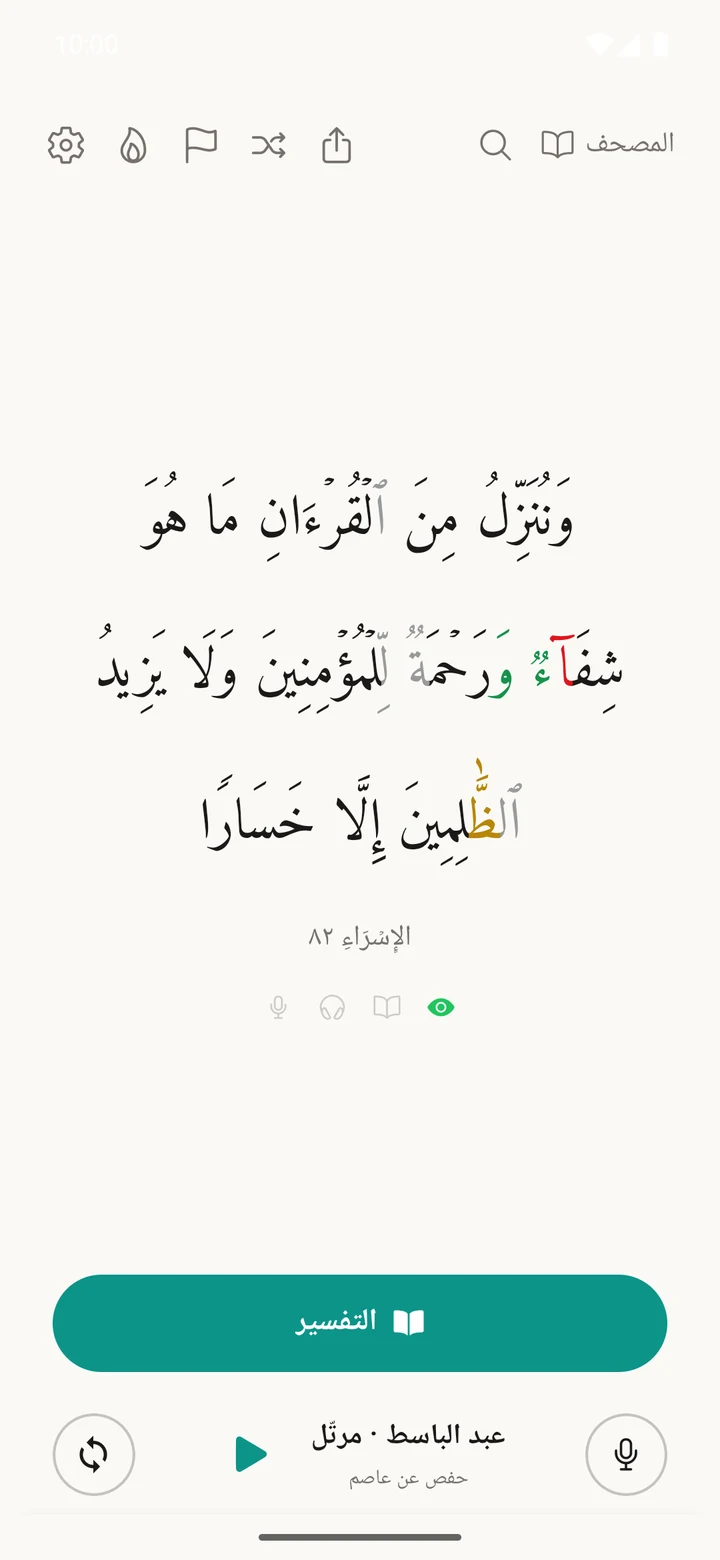
The ayah in tajweed colours with its play button
Reciters for each riwayah
Repeat to memorise
Sleep timer

Tools that help you memorise and revise.

Recite, and the app follows, with no internet

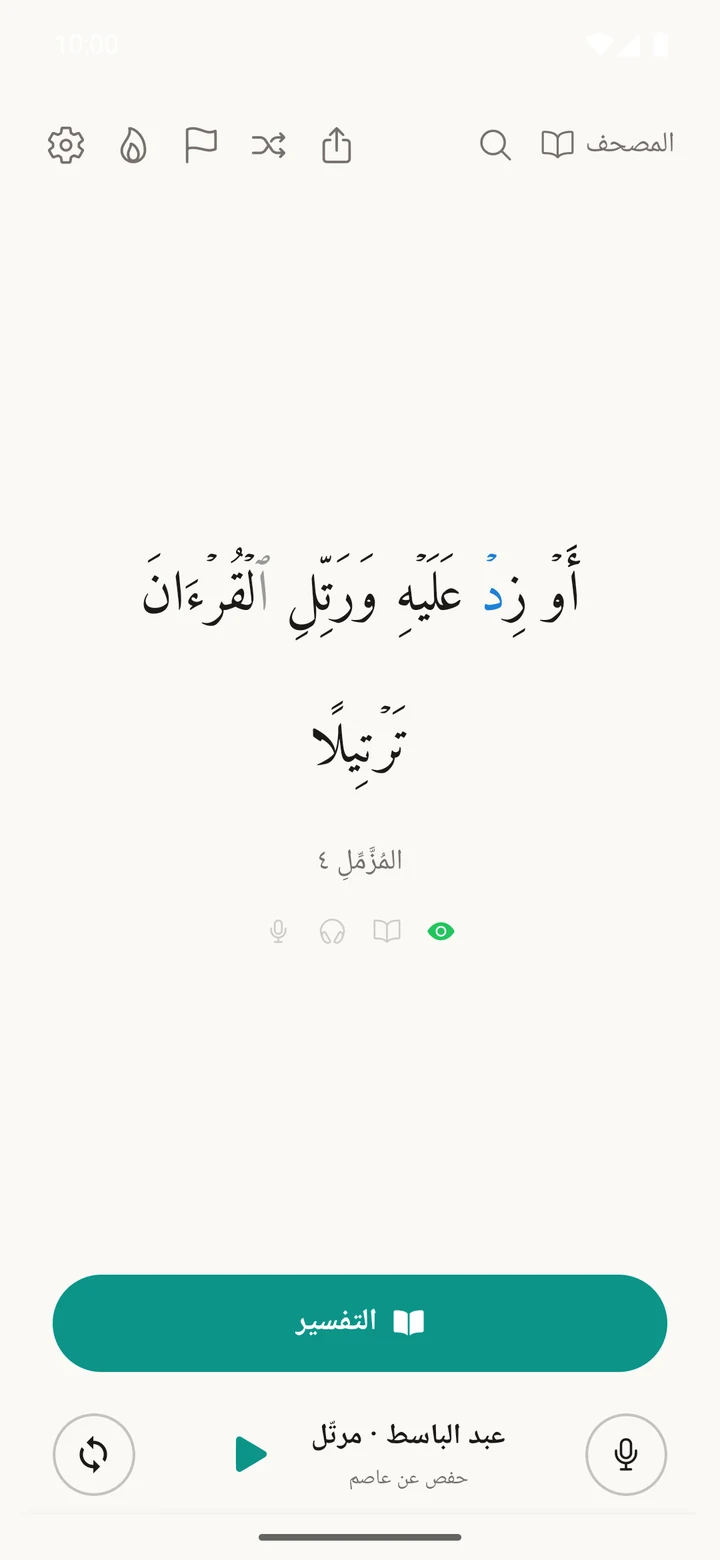
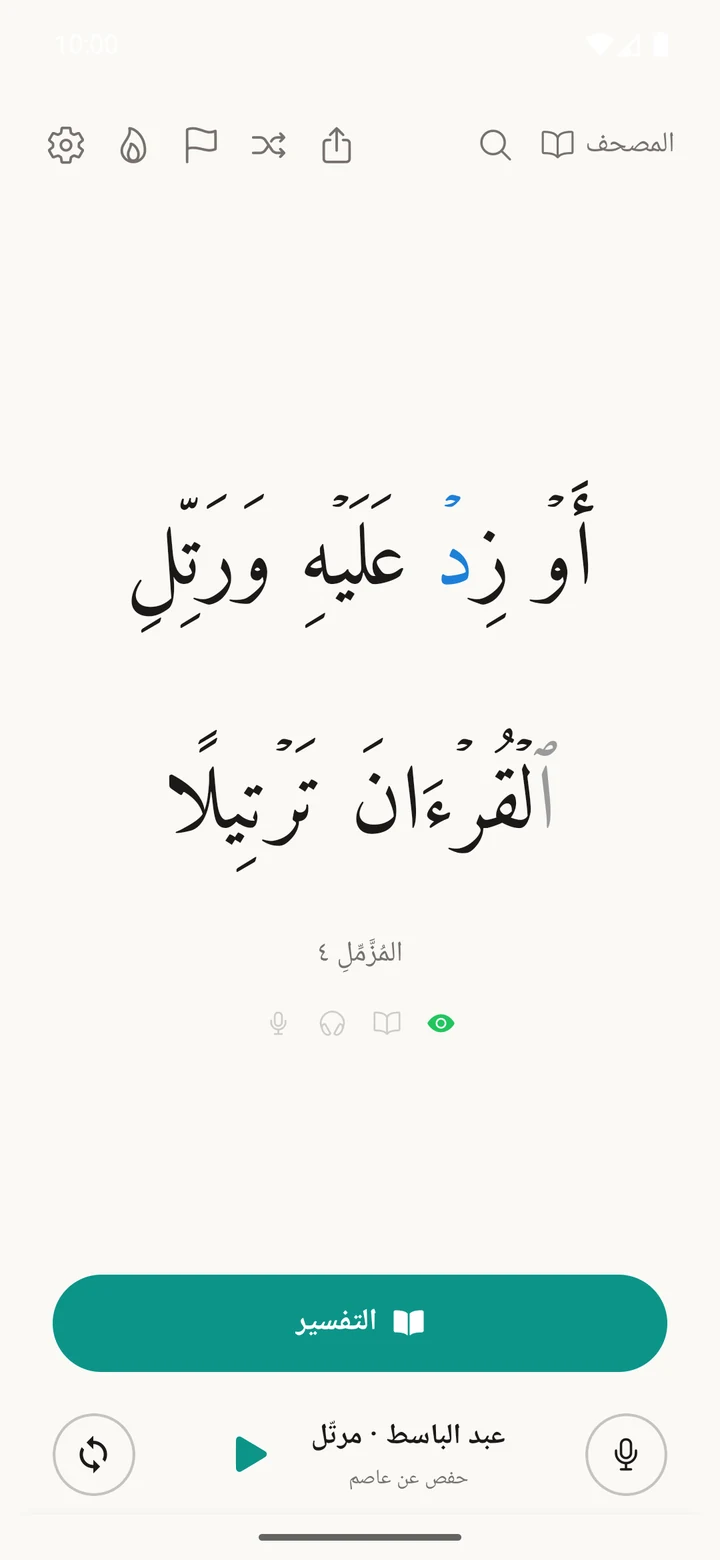
Tap the microphone and the ayat hide until you recite them, while the app follows you word by word. If your recitation strays from the ayah, the light around the screen changes colour so you notice. It all runs on your phone with no internet once the recitation model has been downloaded, and your voice never leaves it.

Try reciting in the web version
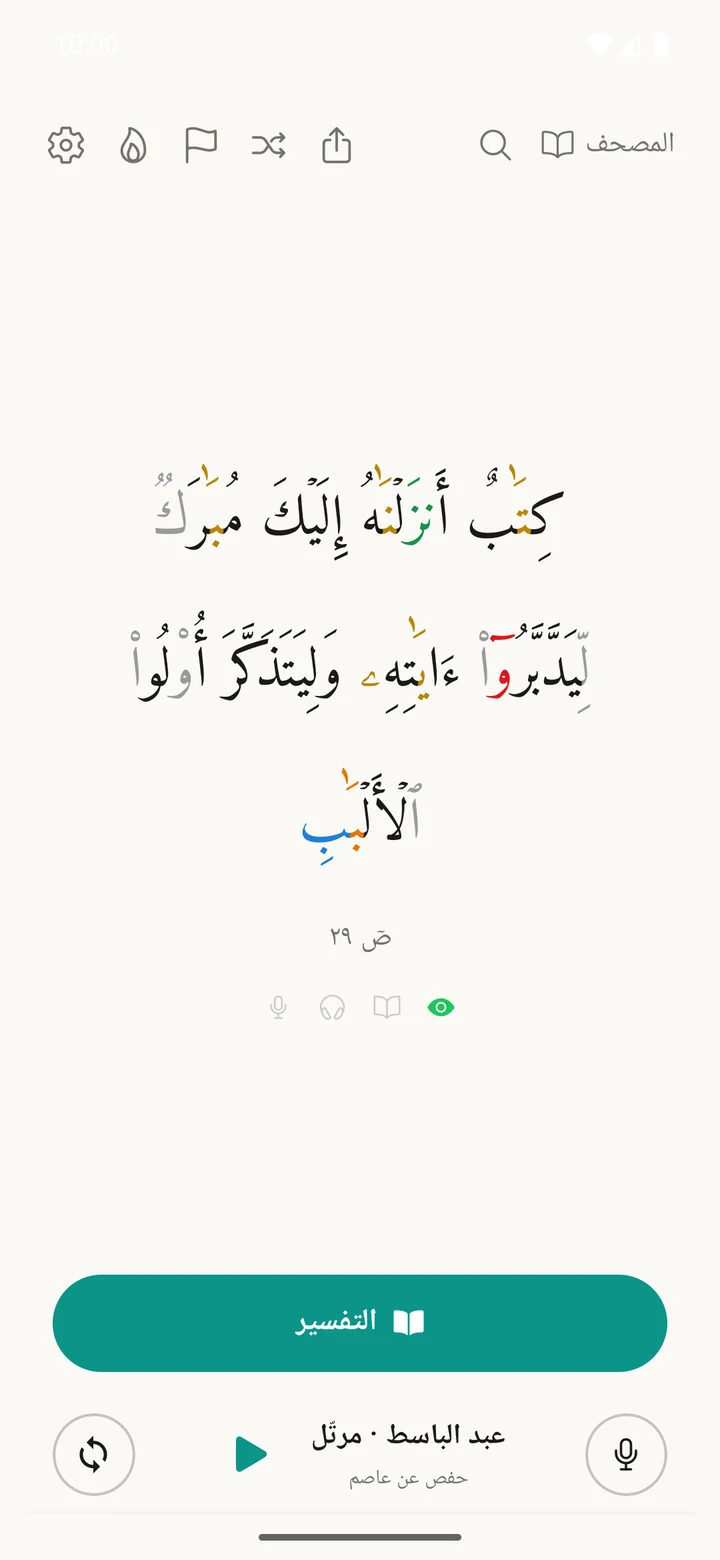
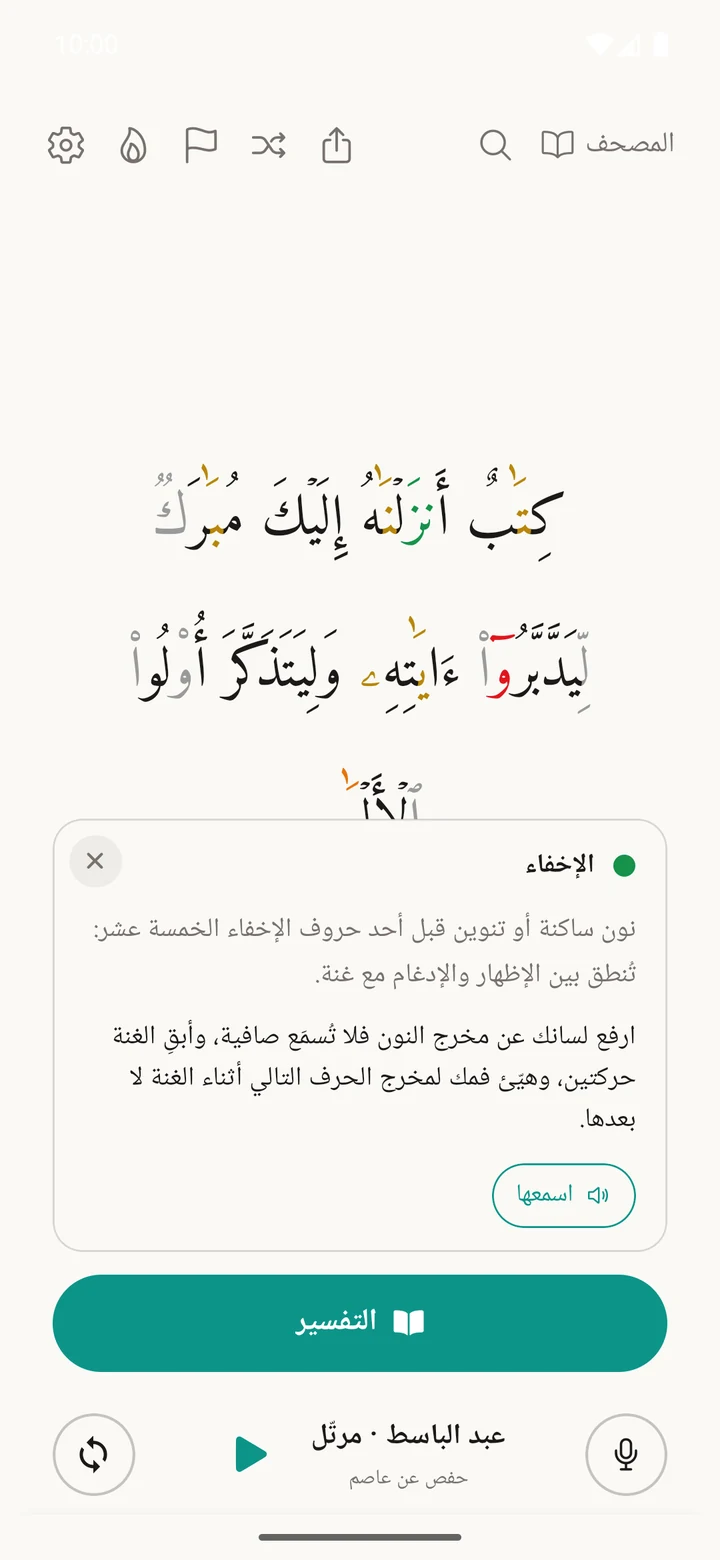
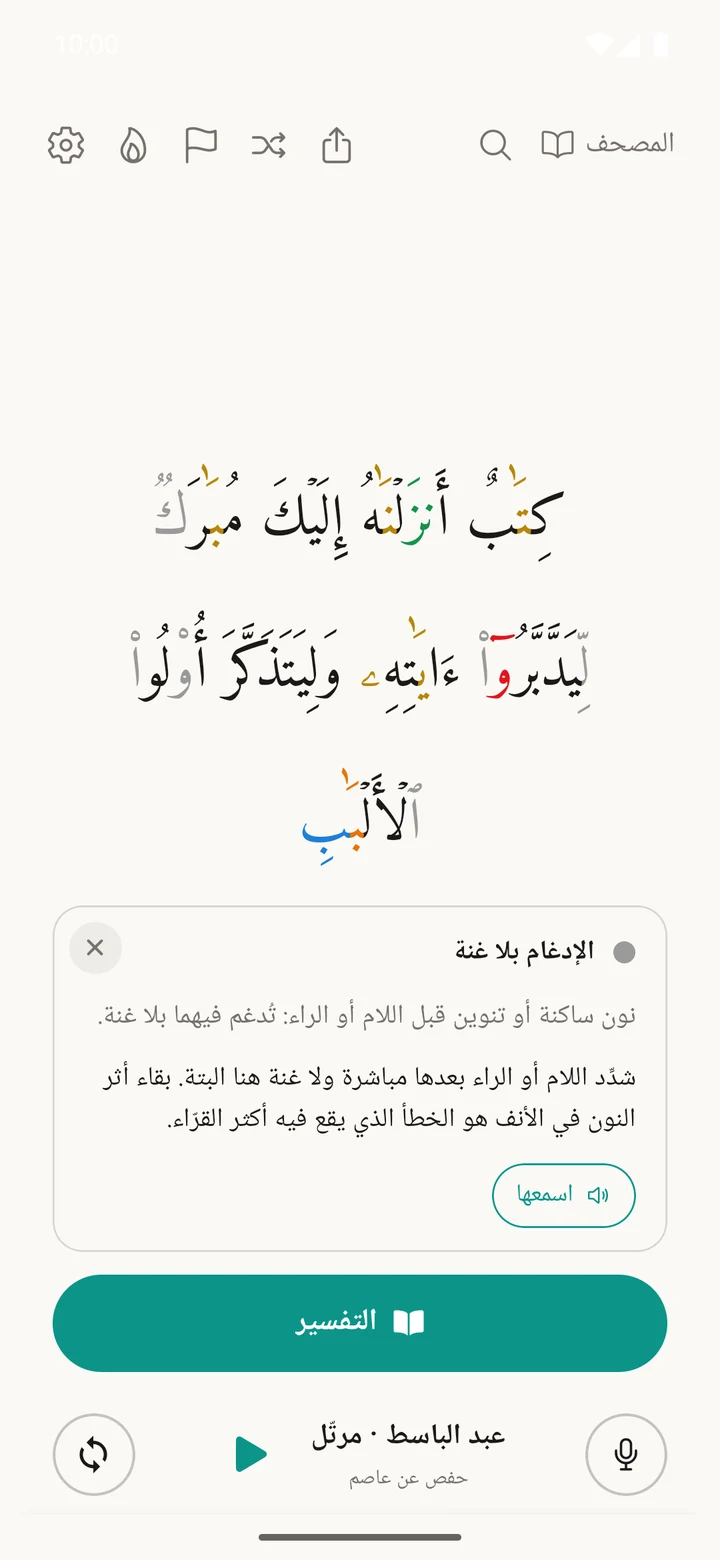
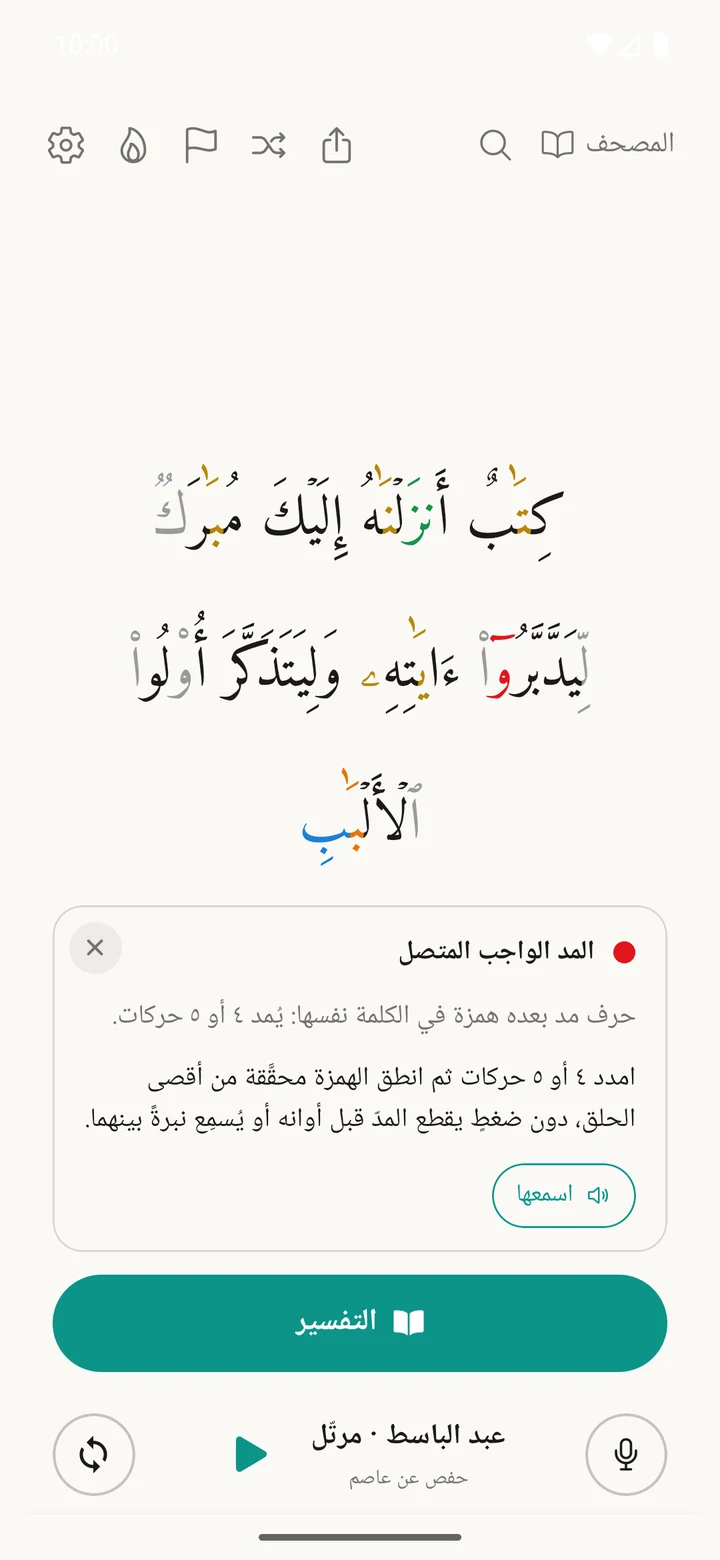
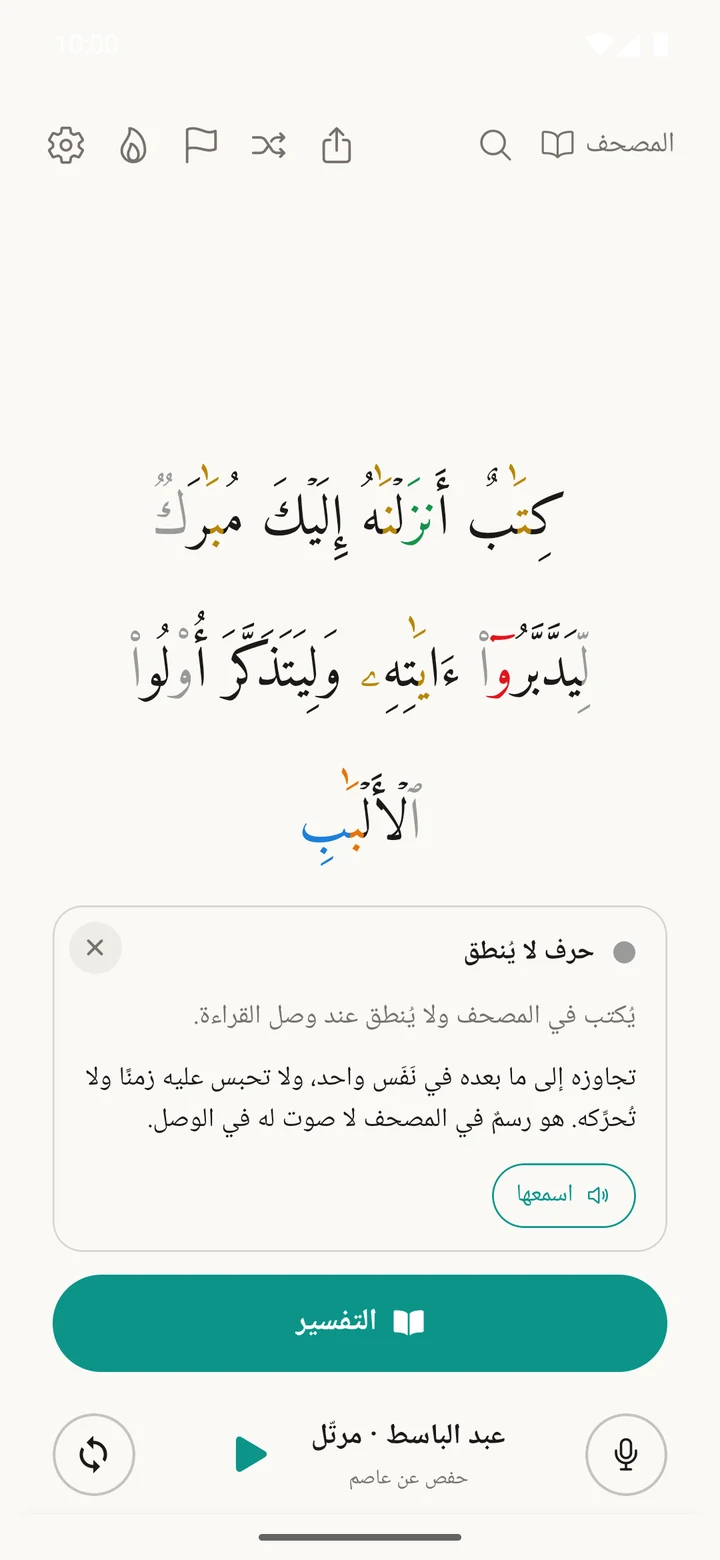
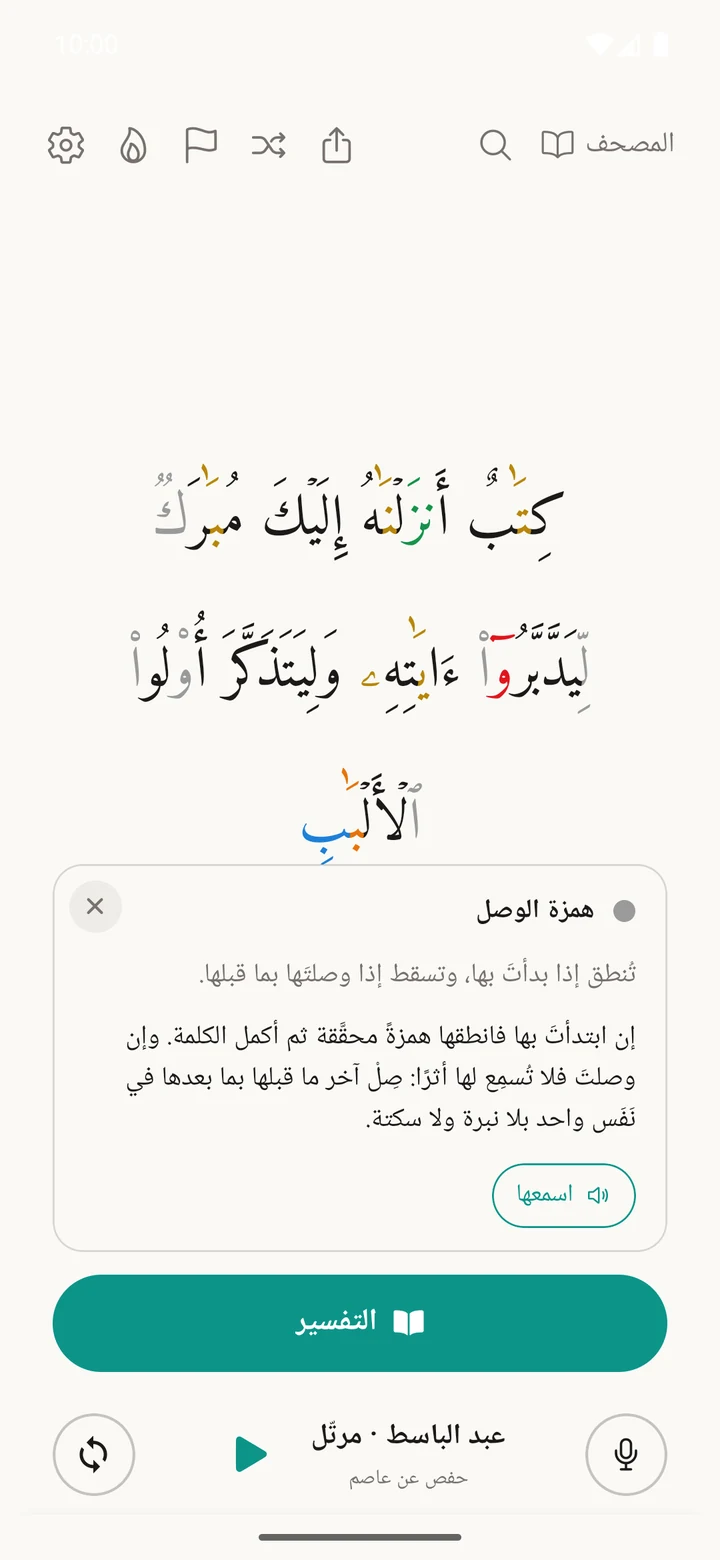
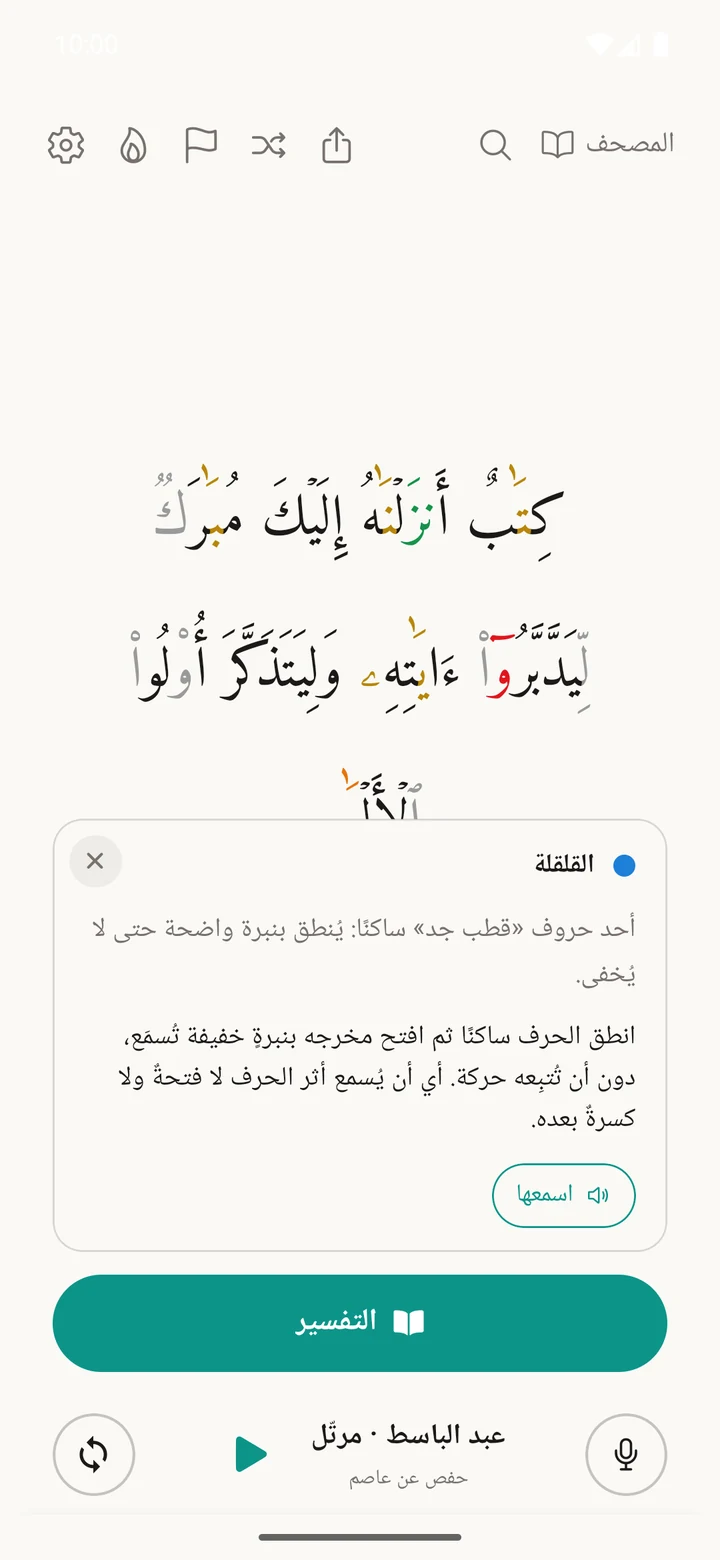
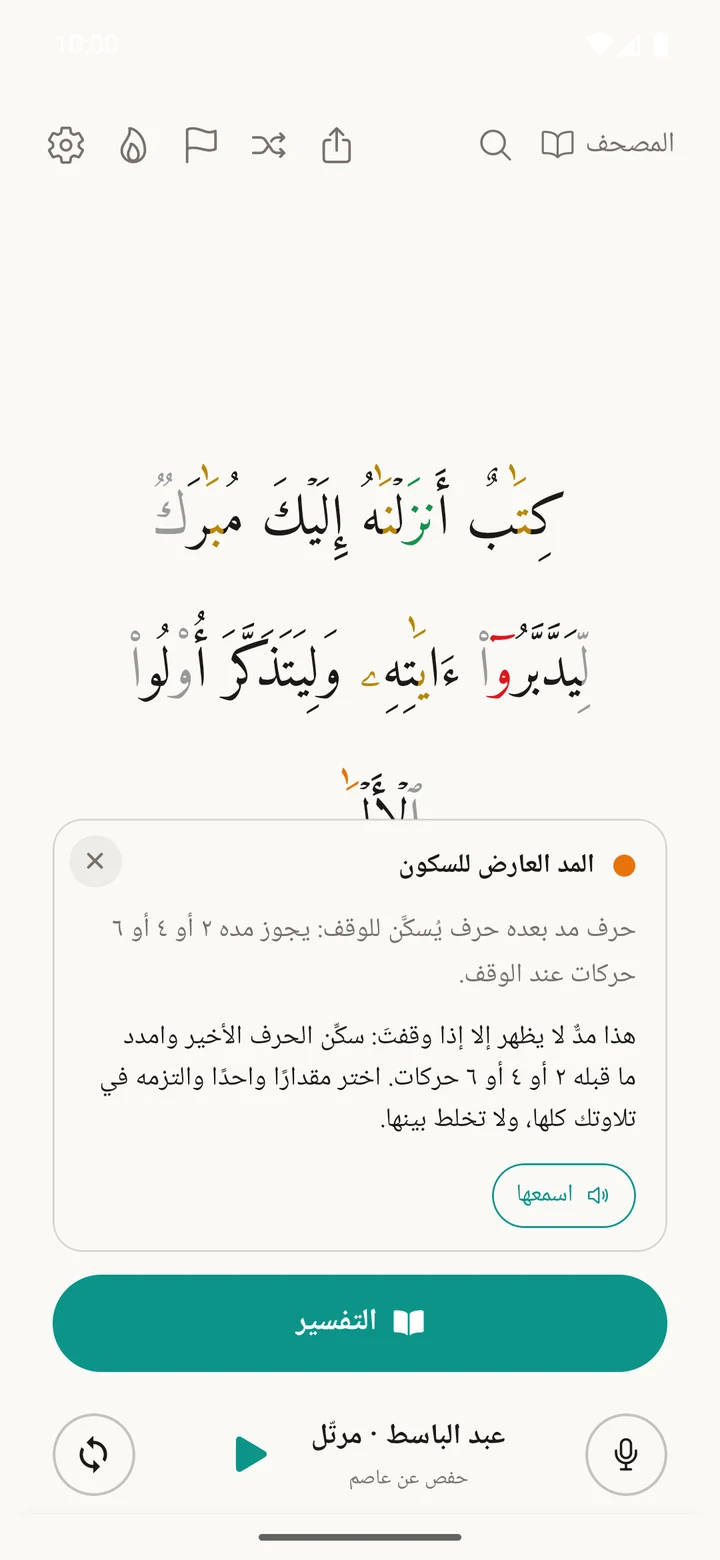
Tajweed colours

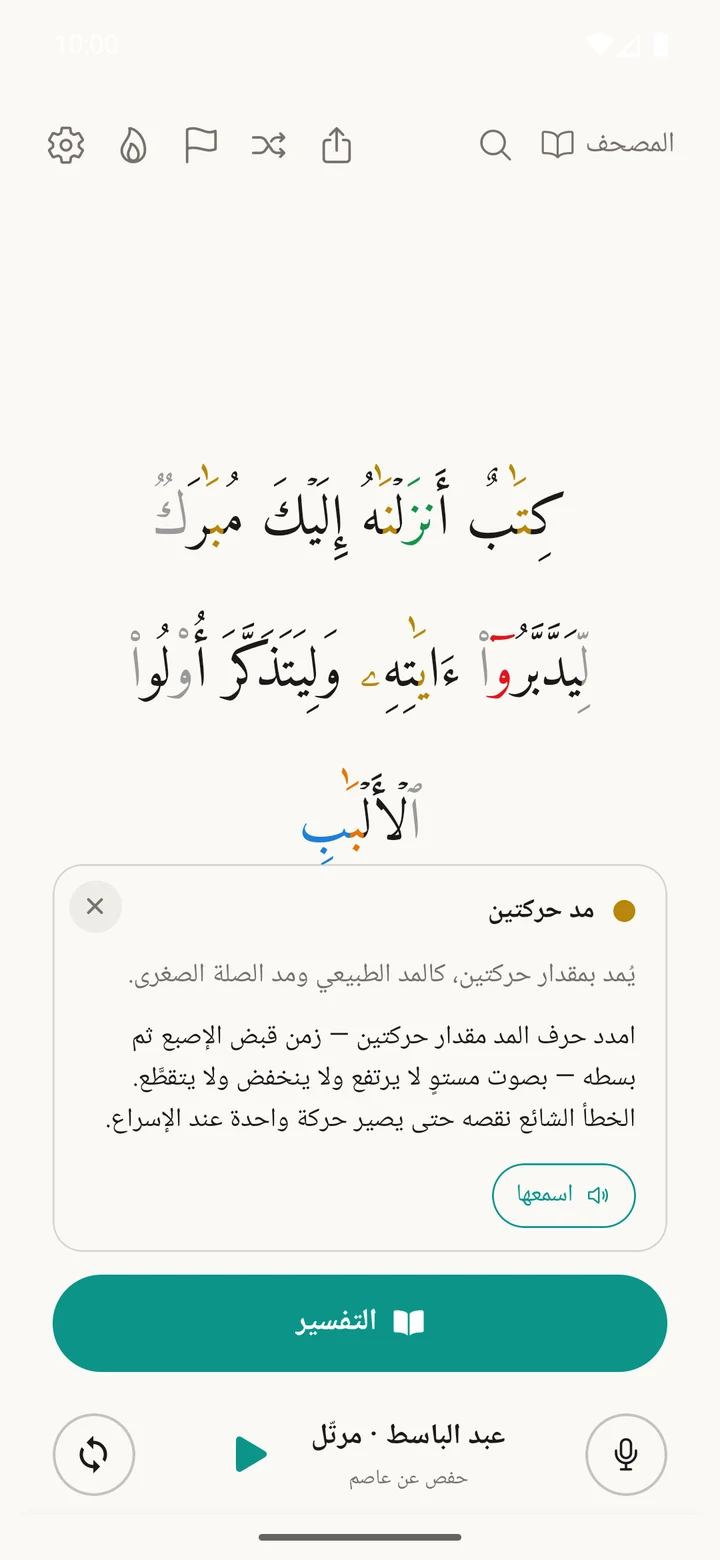
Tajweed rules in colour for Hafs. Press and hold a coloured letter and it names the rule.

Press and hold any coloured letter to see its rule

A card explaining the rule of a coloured letter, above an ayah coloured by tajweed rules

The text at the size that suits you

Spread two fingers on the ayah to enlarge it, pinch to shrink it. The tafsir resizes the same way.

The same ayah at a medium text size

Seven riwayat, each in its own script

Each riwayah in the text of its own mushaf as printed by the King Fahd Complex for the Printing of the Holy Quran, and in its font.

Al-Fatiha 4 as the app shows it in the chosen riwayah
Reader
Asim ibn Abi al-Najud, Kufa
Narrator
Hafs ibn Sulayman
Where it is read today
Most of the Muslim world

Niyyah

Start with a niyyah.

You write your niyyah as one sentence: what you intend, how, and by when. The app orders the ayat around it. Try it here: tap any coloured word to change it.

Set a niyyah

You can change any part of it later.

Take the ayat on my screens from this niyyah Lock screen, widget, notifications, on unlock

On your phone, from its sources

Your voice never leaves your phone.

  1. Offline

    The full text of the mushaf is stored on your phone, so you can read with no connection.

  2. On the device

    Recognising your recitation, and noticing when you unlock, both run on the phone itself.

  3. Your backup is yours

    One file with your progress and niyyat. Keep it wherever you like and restore it any time.

The text, from its sources. The text you read is that of the mushafs printed by the King Fahd Complex for the Printing of the Holy Quran, in all seven riwayat and set in the Complex's own fonts. Every source, from the text to the tafsirs, translations and recitations, is named with its licence on the sources page inside the app.

Devices

On your phone, and in your browser.

The lock-screen and unlock ayah belong on the phone. The mushaf, tafsir, recitation and reciting from memory go with you to any screen: in the web version and the browser extension, from today.

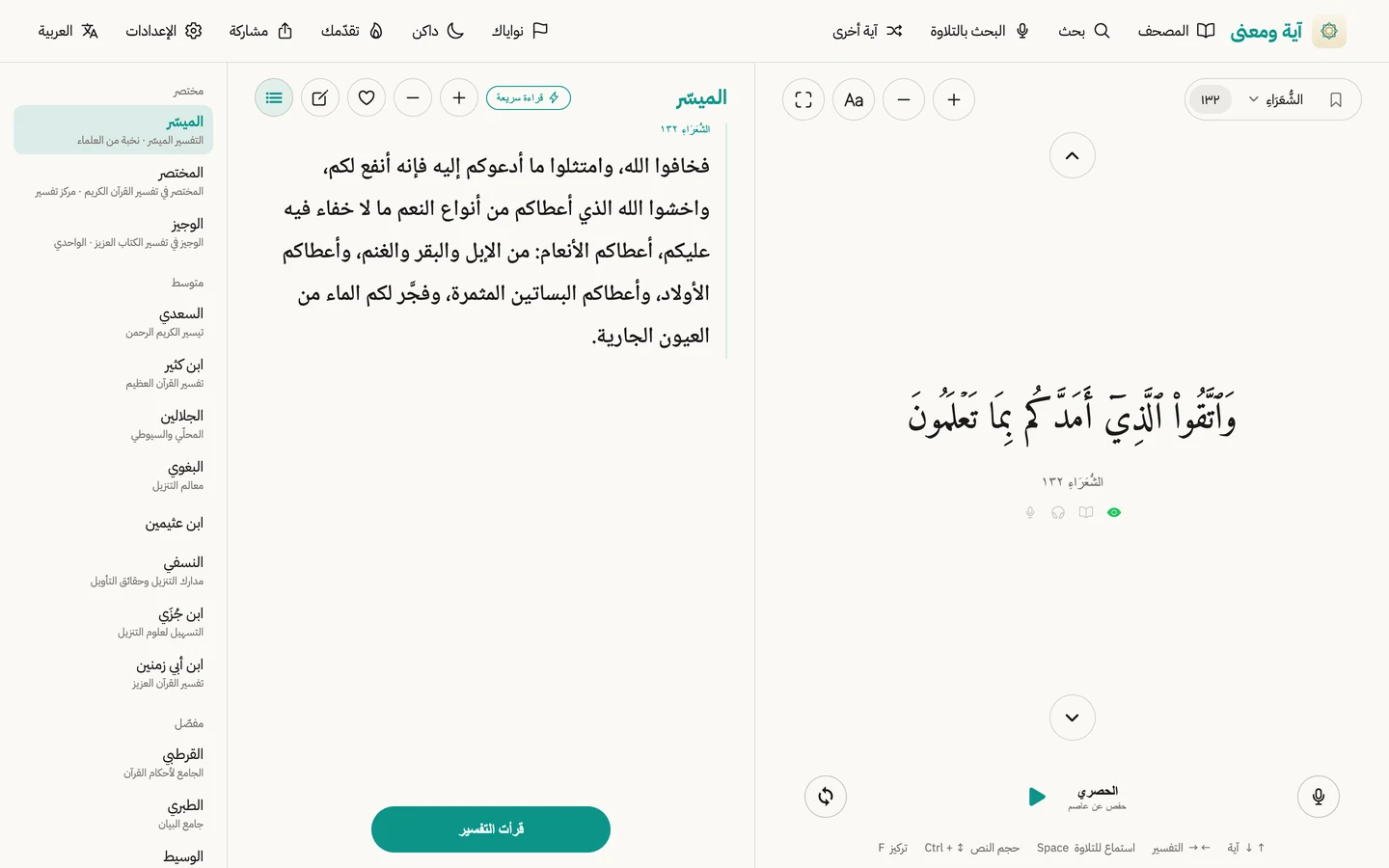
The web version on a desktop screen: the ayah with Tafsir al-Muyassar beside it and the list of tafsirs
Available now

The web version: the mushaf, tafsir and recitation in your browser.

It opens on any device with nothing to download, and it is available now.

  • The whole mushaf in seven riwayat, with tajweed colours
  • Tafsirs and translations, and recitation in your reciter’s voice
  • Reciting from memory, and voice search for any ayah
  • Installs on your computer or phone like an app
Open the web app The web version English
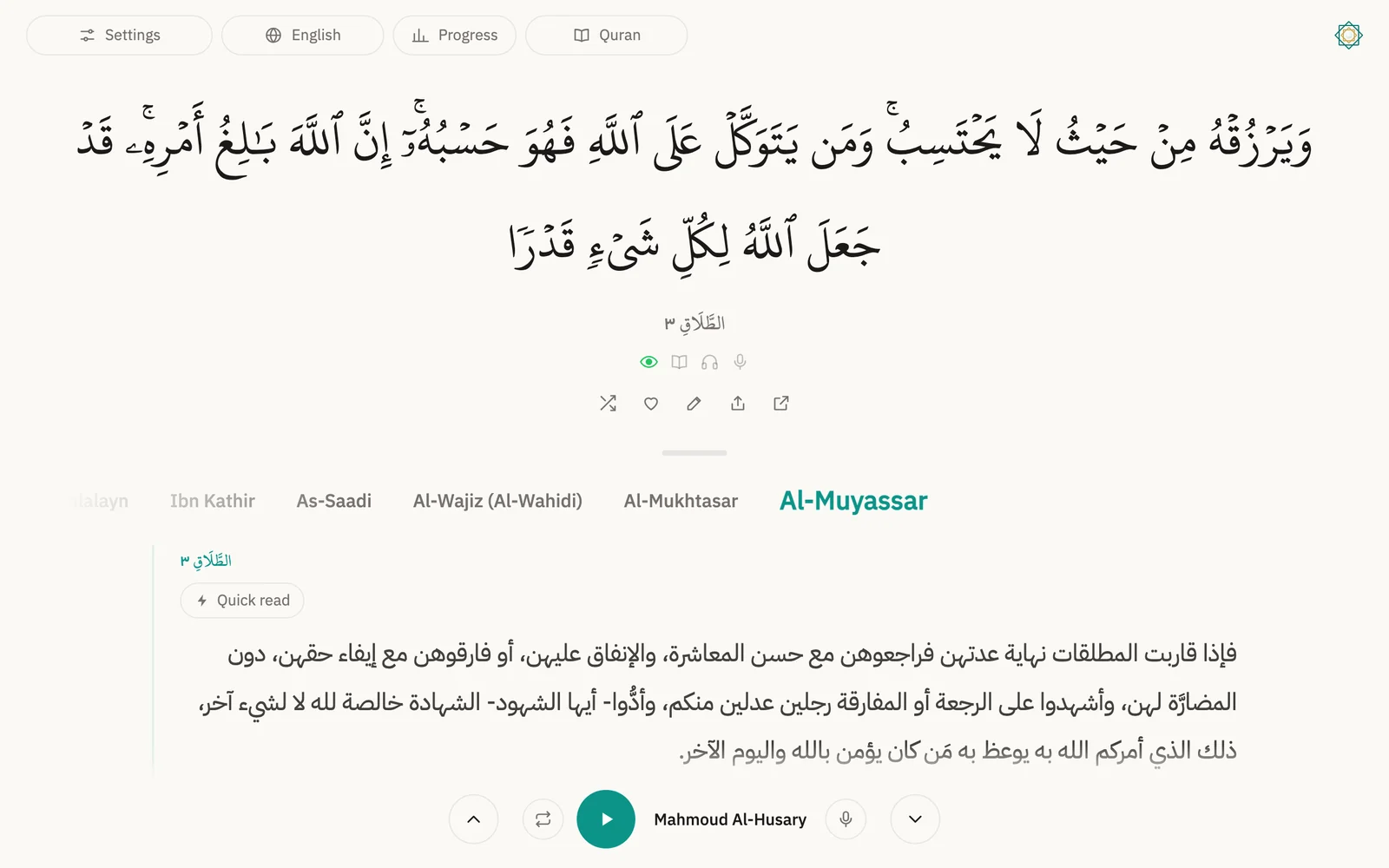
New tabA new browser tab showing an ayah with the list of tafsirs, Tafsir al-Muyassar beneath it and a play button for the recitation
Available now

The browser extension: an ayah and its meaning on every new tab.

As the app puts an ayah before you each time you open your phone, the extension puts one before you each time you open a new tab, with its tafsir beneath it.

  • Over seventy tafsirs, and translations in dozens of languages
  • Recitation in your reciter’s voice, with repeat and a sleep timer
  • Your niyyah: a surah or the whole Quran, and every new tab opens where you reached
  • Collects no data and shows no ads
Chrome Web Store The browser extension English
Coming soon on Google Play

Android

The full version: lock screen, unlock and widget.

Coming soon on the App Store

iPhone and iPad

After the Android version.

With the iPhone version

Mac

The iPhone app, on your Mac.

Give the ayat of Allah
a share of your day.

The web version and the browser extension are ready for you now. The app is coming soon on Google Play and the App Store.

Open the web app Browser extension Chrome Web Store Coming soon on Google Play Coming soon on App Store