Web version · Available now

The Quran and its tafsir, in your browser.

Open it on your computer or phone, in any browser: the ayah in the middle of the screen with its tafsir beside it, its recitation in the voice of the reciter you love, and reciting from memory that follows you word by word. Install it and it opens in its own window, like any app.

app.verseandmeaning.com
7 riwayatIn the text and script of the King Fahd Complex mushafs
70+ tafsirsIn Arabic and other languages, with translations in dozens more
~500 recitersIn their own recordings, across riwayat
Recite from memoryFollowed word by word

A tour

Everything you need for reflection, on one screen.

The mushaf

Every surah in a side column.

Pick a surah, or search by its name or number, and go there with the ayah still in view.

The ayah

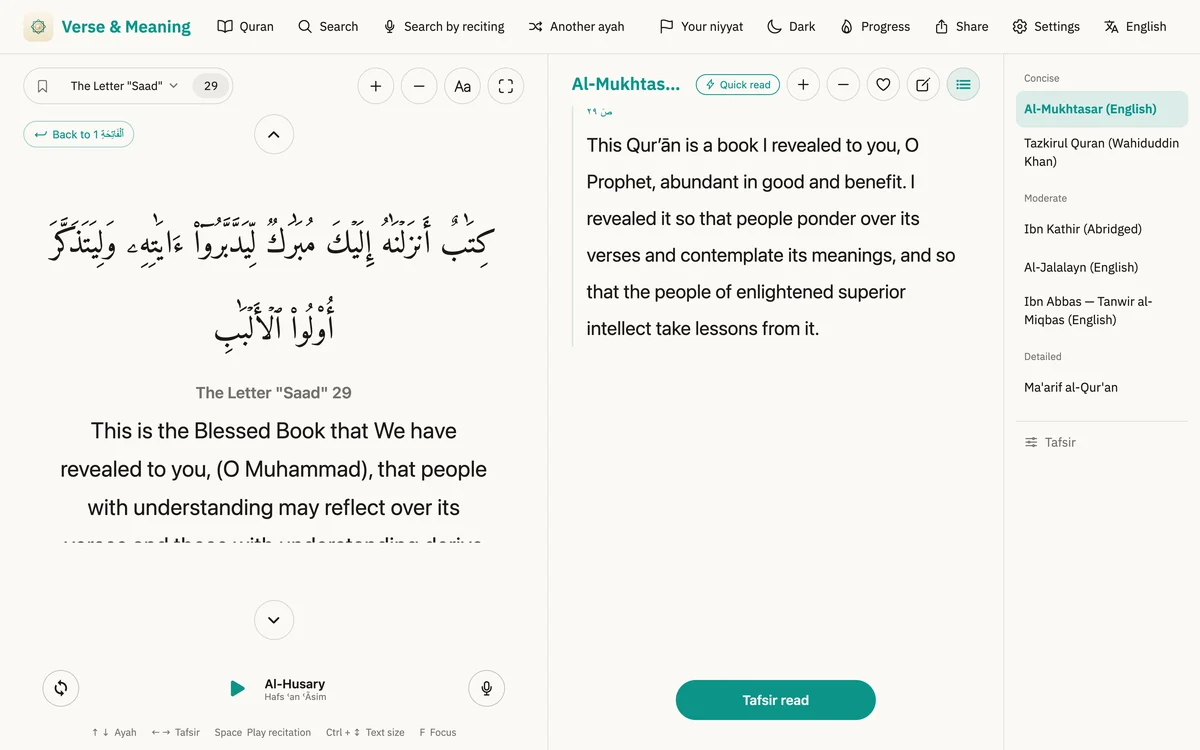
The ayah, in the middle of the screen.

In the script of the mushaf, at the size that rests your eyes.

Tafsir

And its meaning beside it.

Read the ayah and its tafsir in one look, without opening or closing anything. When you finish, press “Tafsir read”.

Tafsirs

From Al-Mukhtasar to Ibn Kathir.

The tafsirs sit in a column beside it, from the brief to the detailed. Switch with a click, or with the arrow keys.

Recitation

Nearly five hundred reciters.

Find your reciter by name, sort the list by riwayah or style, and keep the ones you love as favourites. With many of them, each word lights up as it is recited.

Focus

Or just the ayah, on its own.

Press F and everything around it fades away. Esc brings it back.
app.verseandmeaning.com

Tafsirs

75 tafsirs. Pick the ones that suit you.

This is the same list you find beside the tafsir in the web version. Scroll through it: 23 tafsirs in Arabic, from the brief to the detailed, and 52 in 32 other languages.

  • Brief
  • Medium
  • Detailed
app.verseandmeaning.com

Reciting from memory

Recite from memory, and the page follows you.

Press the microphone and recite the ayah from memory. Its words stay hidden and appear one by one as you recite them. If your recitation strays from the ayah, the light around it changes colour so you notice.

app.verseandmeaning.com
  • Right in the browserThe recitation model downloads once, then runs on your device. Your voice never leaves it.
  • If you get stuckReveal just the next word, and carry on from memory.
  • Search with your voiceRemember an ayah but not where it is? Recite the part you know, and find it.
  • Repeat to memoriseRepeat the ayah or the passage in your reciter’s voice two, three or ten times, then recite it yourself.

Keyboard

Your hands stay on the keyboard.

On a computer you move between ayat and tafsirs without touching the mouse. Press the keys here, or on your own keyboard.

In a phone browser

On a phone, it opens like the app.

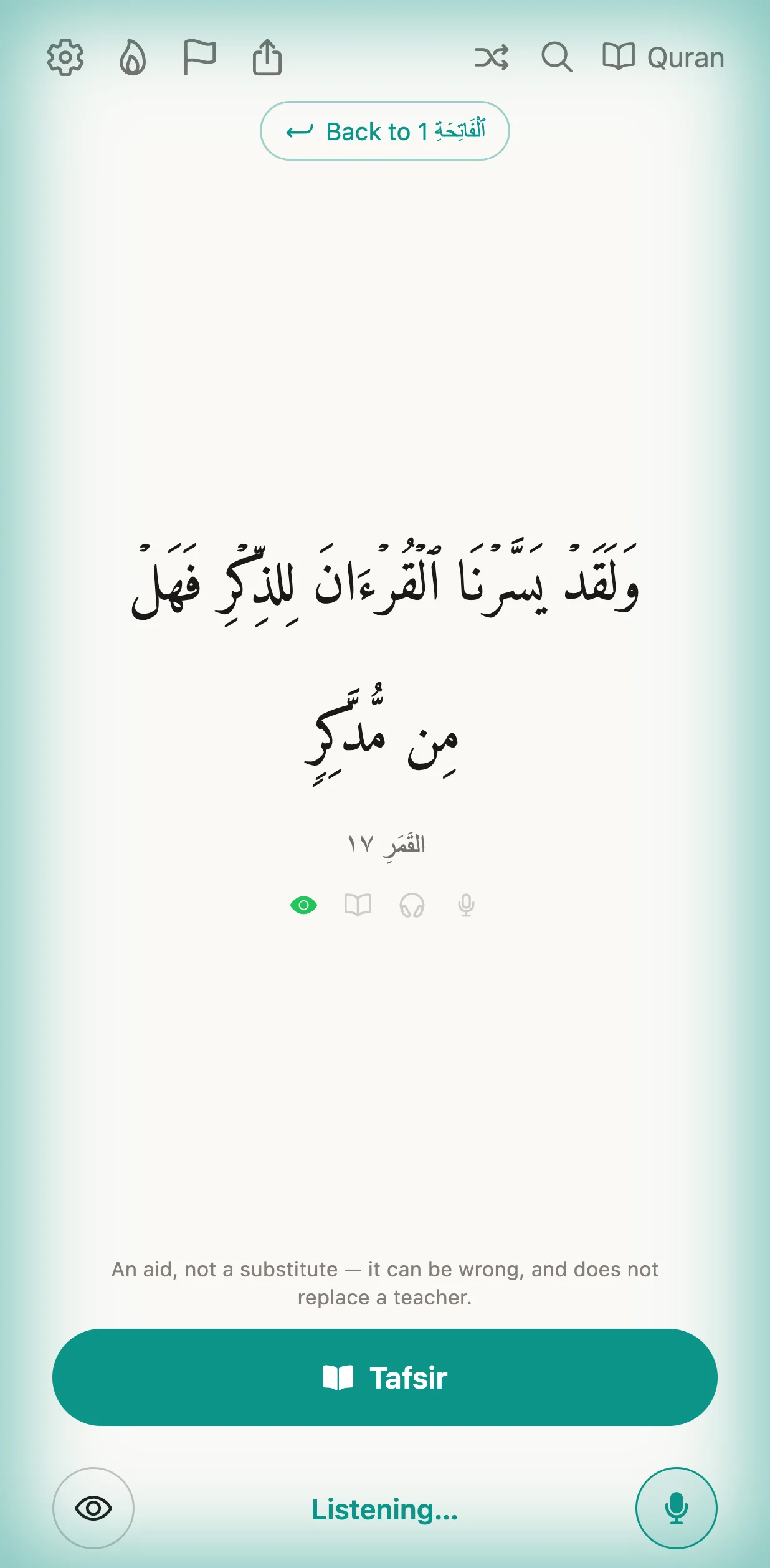
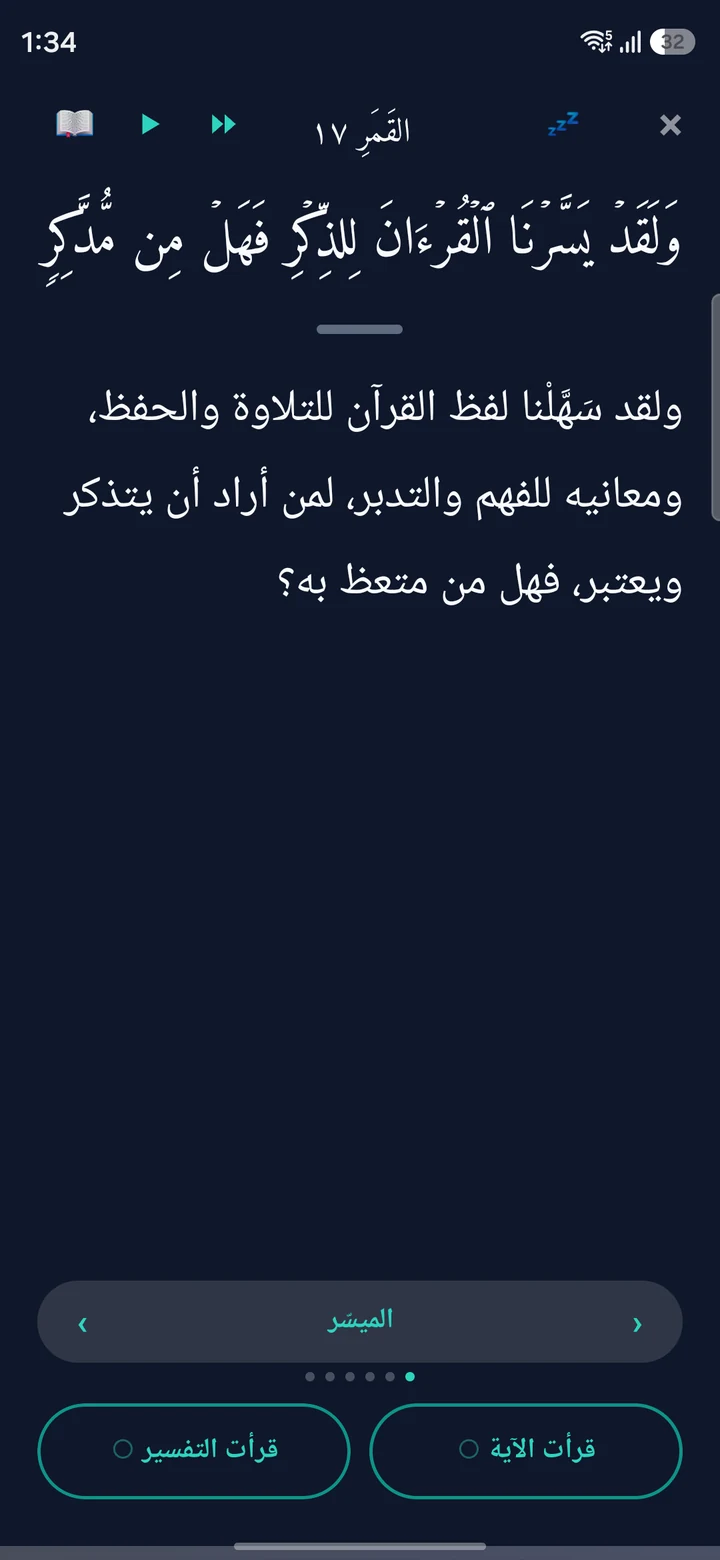
In a phone browser the web version takes the shape of the app itself, with its buttons and gestures.

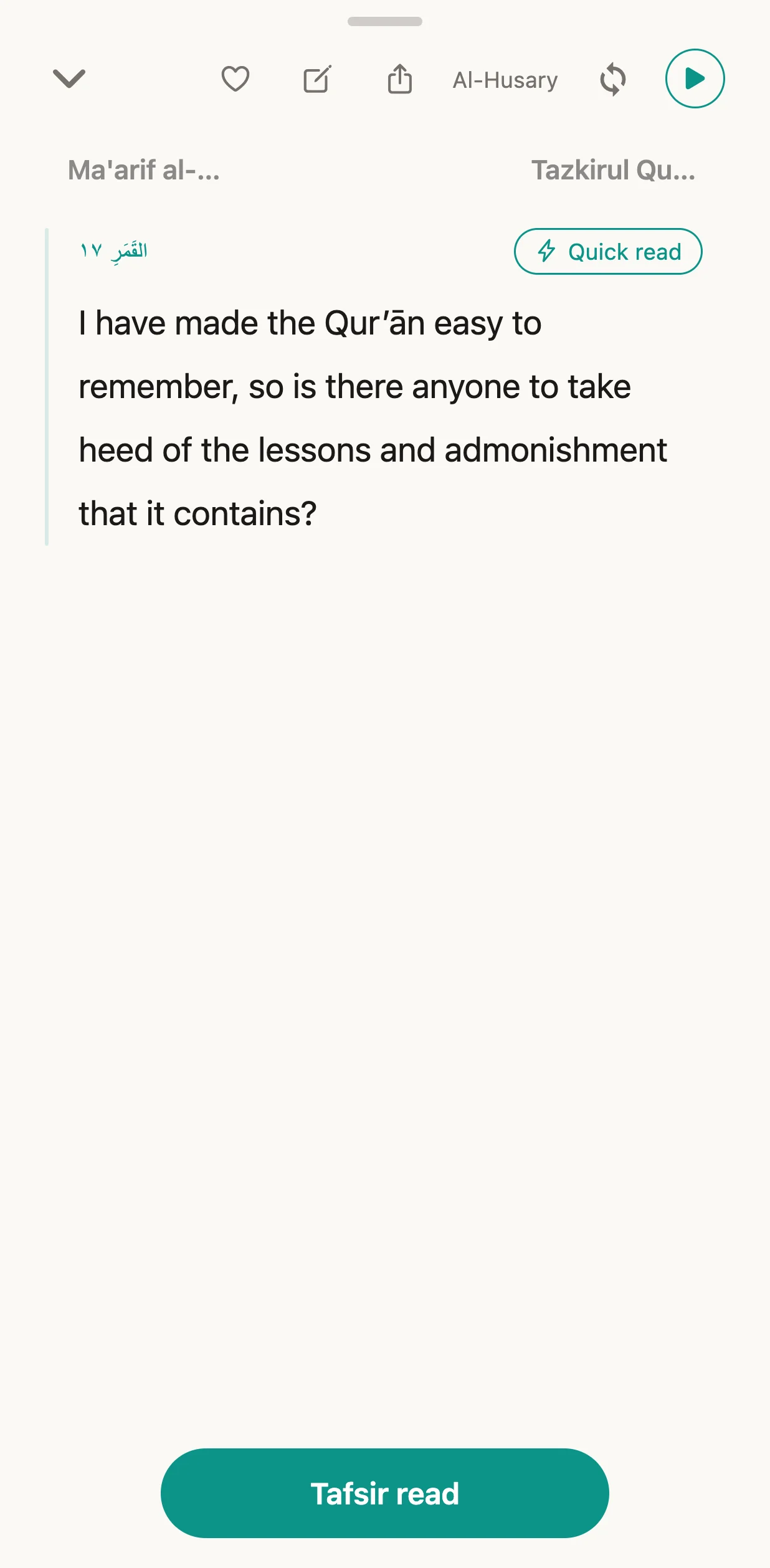
The ayah and its tafsir in a phone browser
Tafsir under the ayahDrag it up to give it room, and switch tafsirs from the strip.
Reciting from memory in a phone browser
Reciting from memoryPress the microphone and recite from memory.
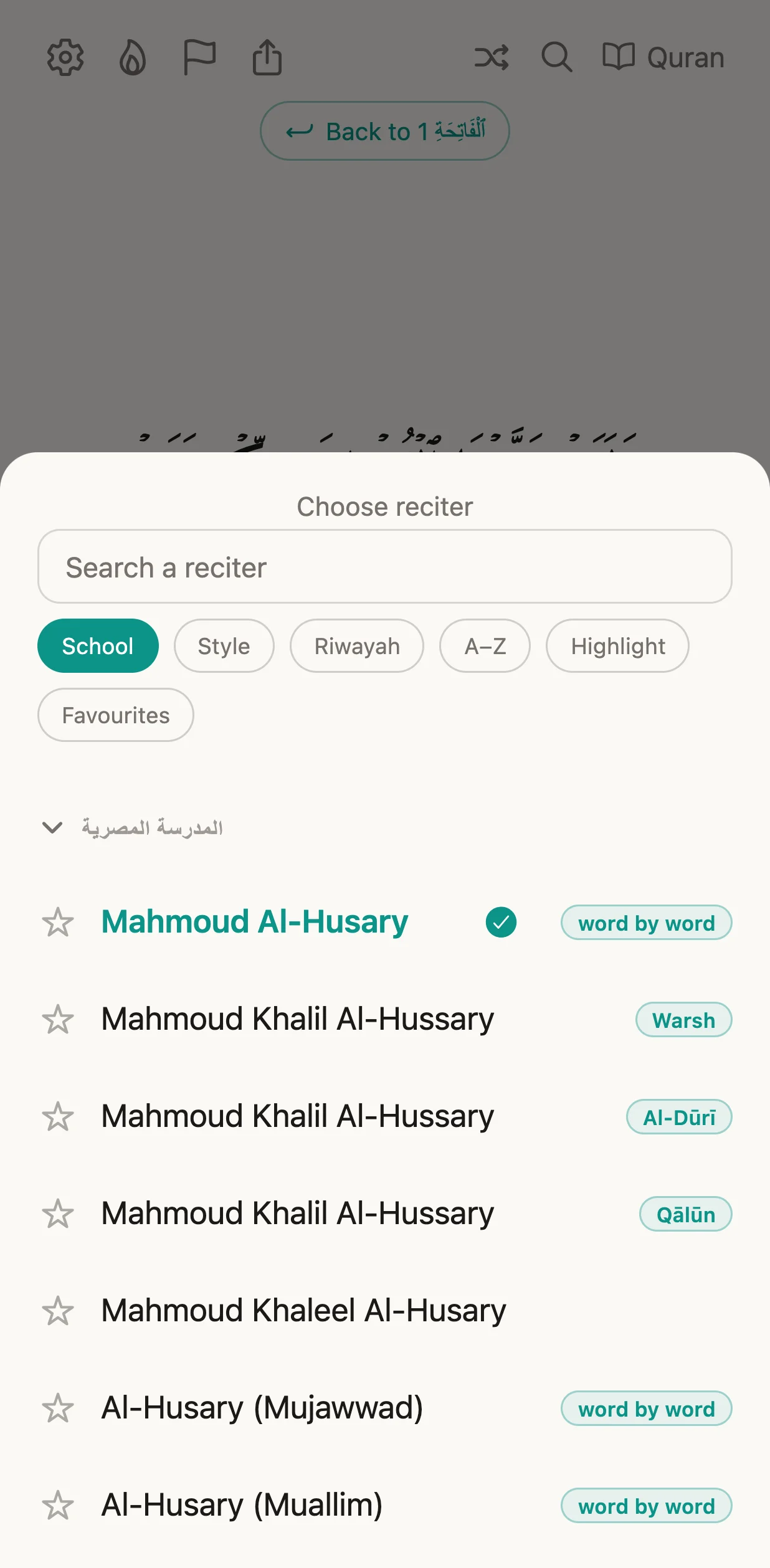
The list of reciters in a phone browser
Your reciterNearly five hundred, with search, sorting and favourites.
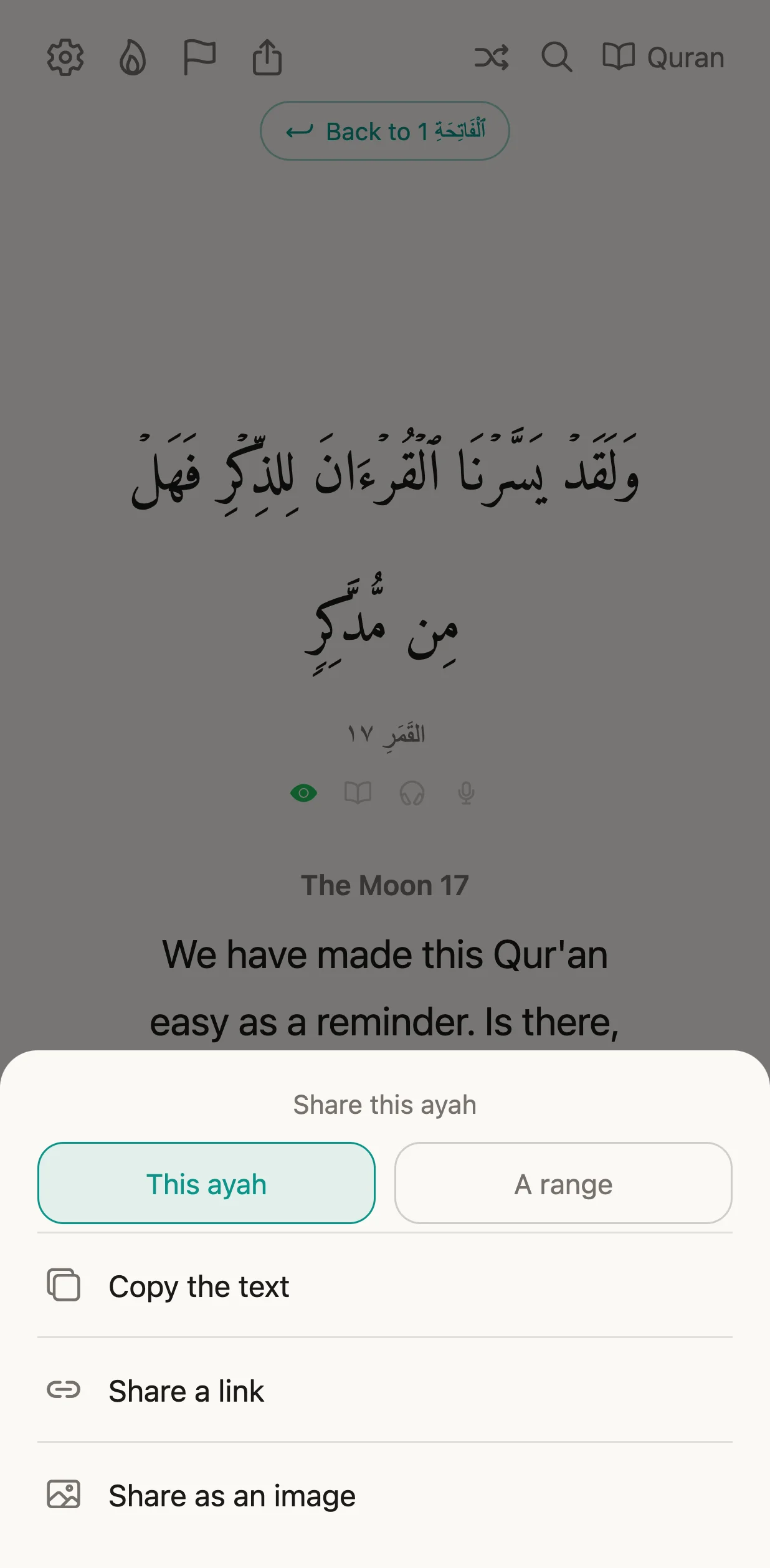
Sharing an ayah in a phone browser
SharingAs text, an image, or a link that opens the same ayah for whoever you send it to.

The phone app · Android, coming soon on Google Play

And the app does what a browser can’t.

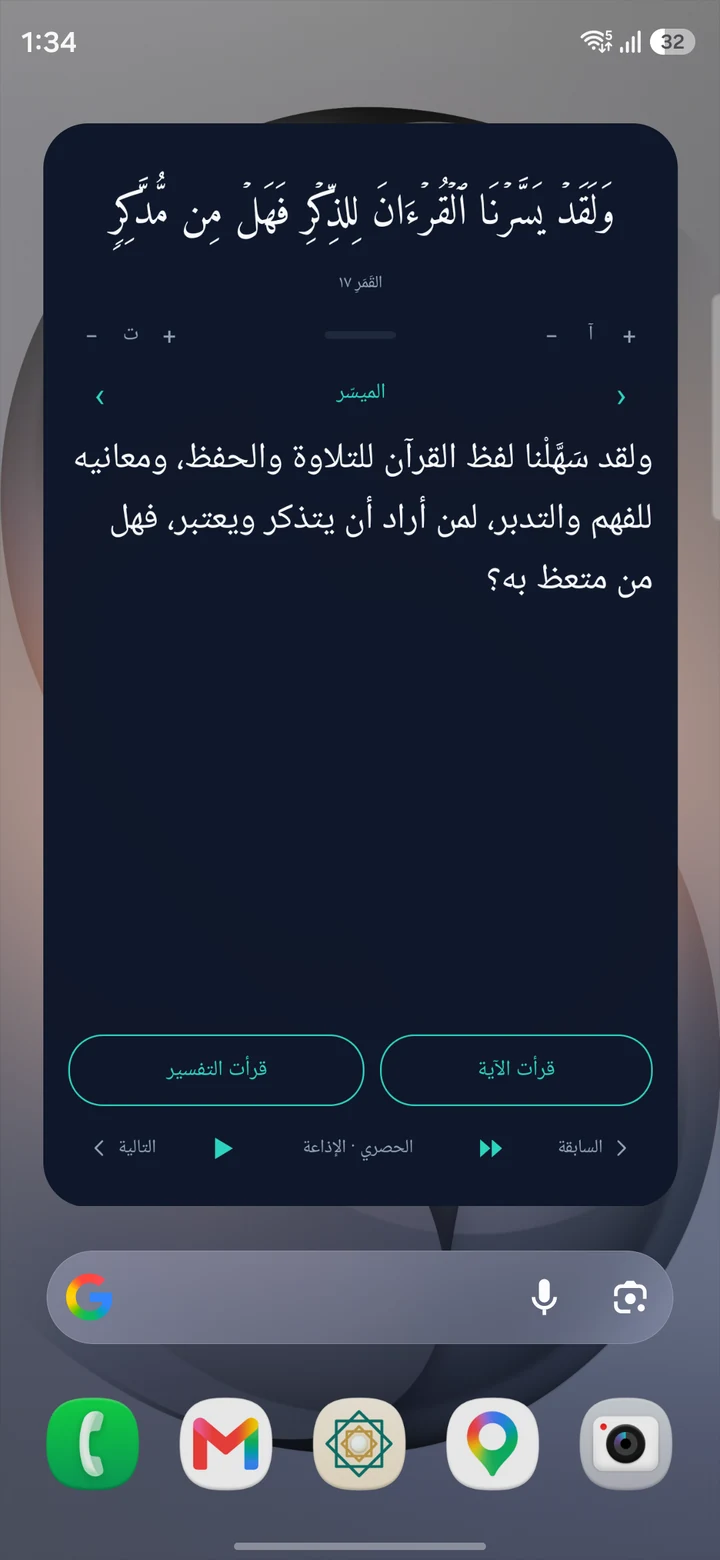
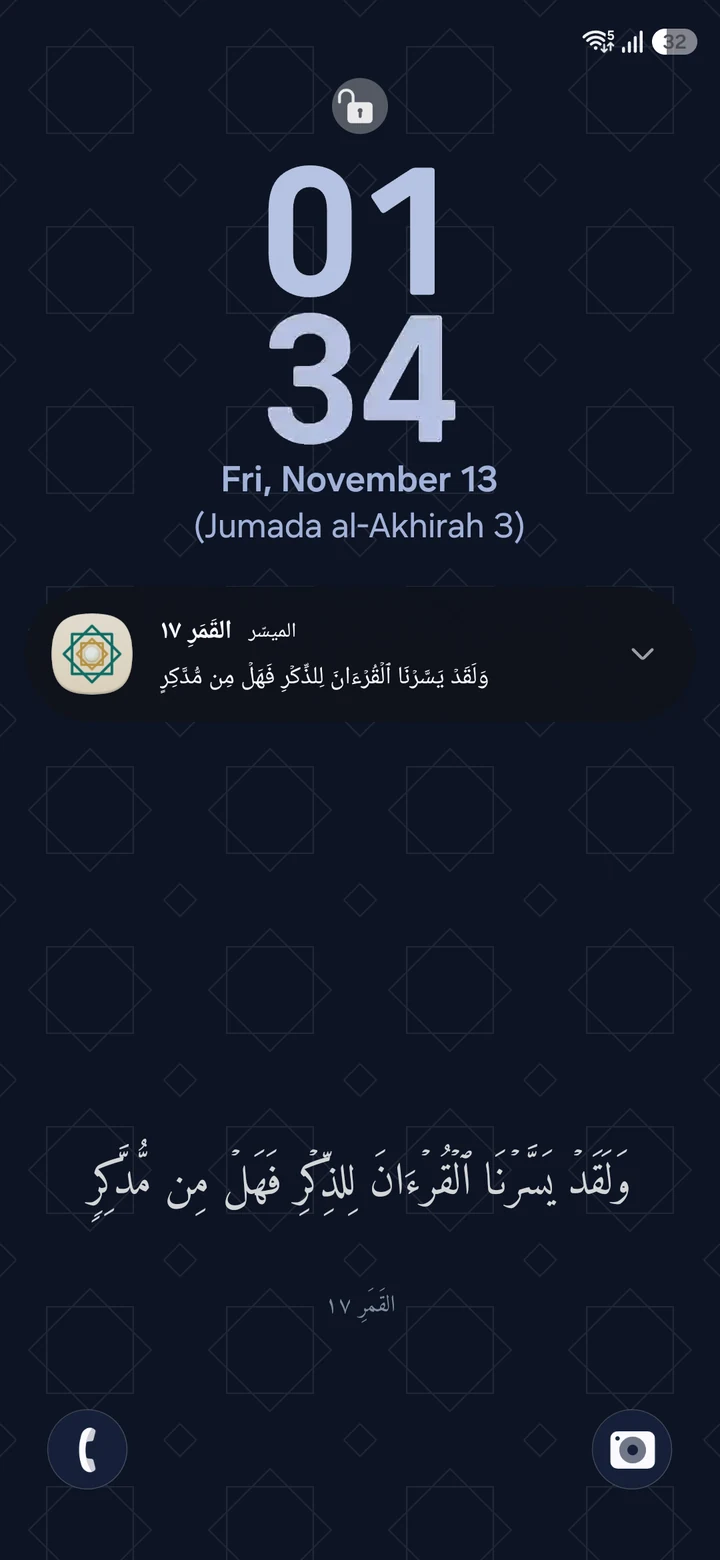
You open the web version when you set out to read. The app brings the ayah to you through your day, without opening it: on the lock screen, when you unlock your phone, and on your home screen.

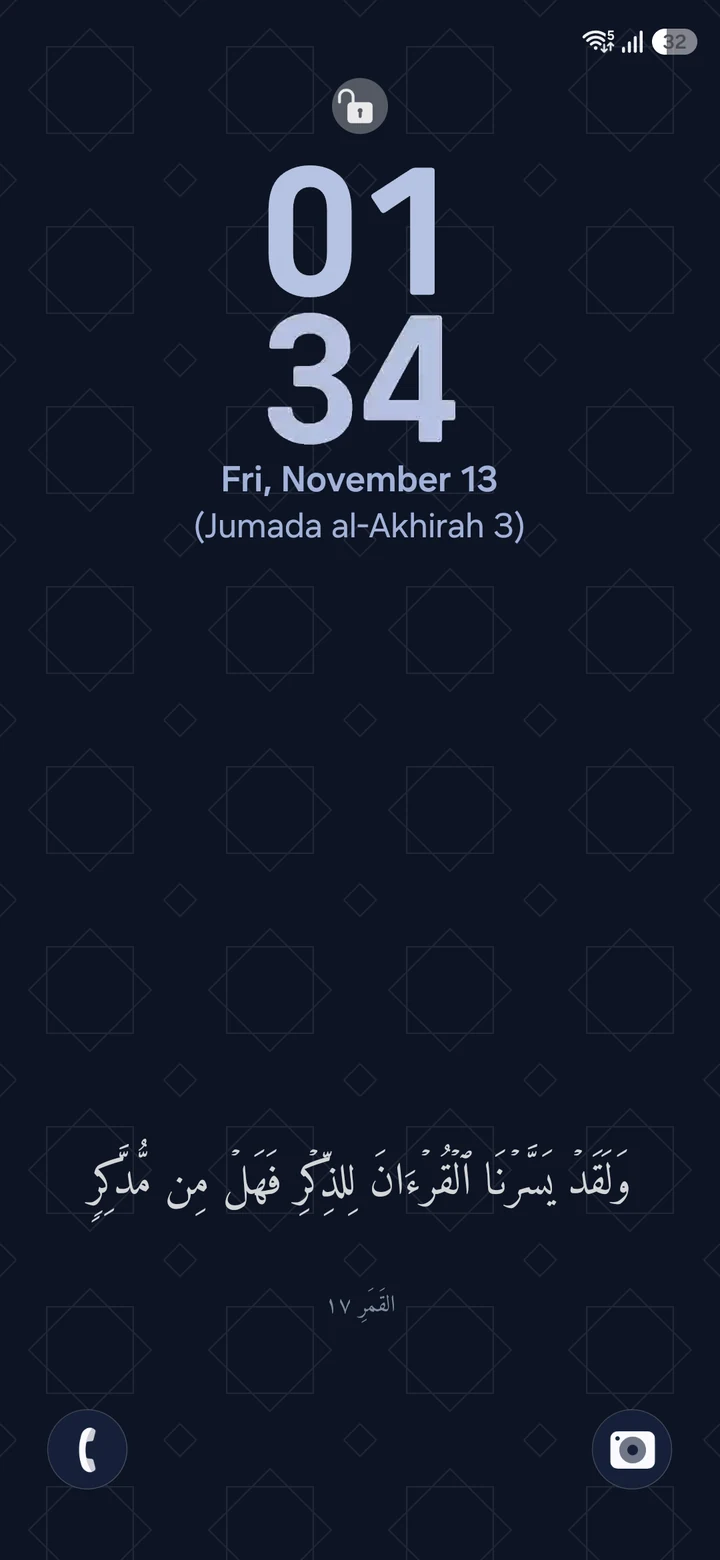
An ayah on the lock screen
On the lock screenAn ayah on your lock-screen wallpaper, changing as often as you choose.
An ayah shown when the phone is unlocked
When you unlockAn ayah that meets you, with a button for its tafsir.
The ayah widget on the home screen
On the home screenA widget with the ayah and a button to listen.
An ayah notification
In notificationsAn ayah at the time you choose, which you can snooze.

Install

Install it, and it opens like any app.

Once installed it sits among your apps, opens in its own window without an address bar, and works offline for whatever you have downloaded.

The browser buttons are drawn to show where to tap; the pages inside them are real captures of the site.

Verse & Meaning
app.verseandmeaning.com

With the browser extension

Begin on a new tab, carry on here.

New tab
Meet the extension

Open it now.

On any computer or phone, in any browser.